Turn Your Song Into a Music Video
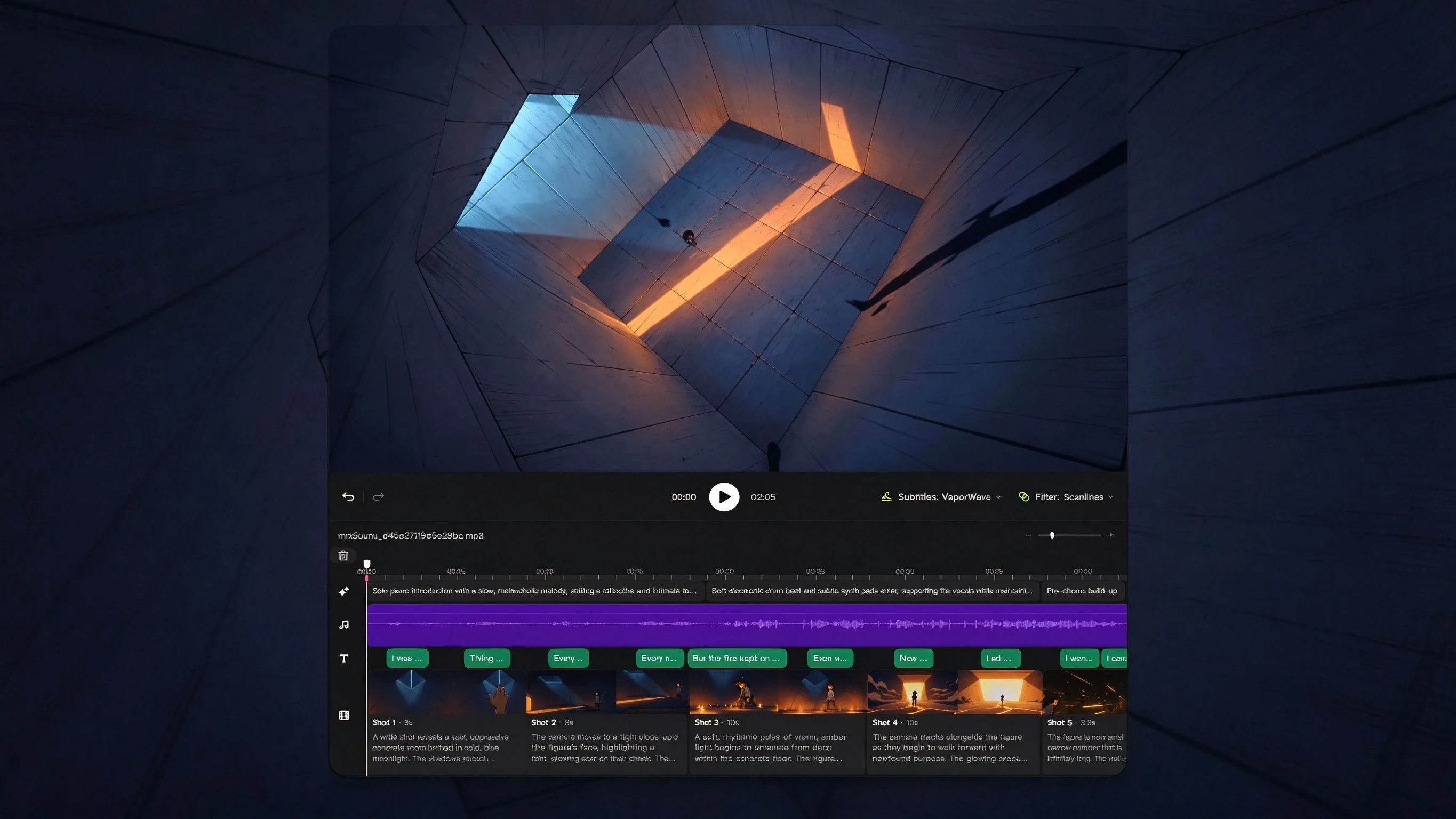
Upload a track or paste the lyrics. OiiOii reads the music, writes the treatment, builds the scenes and renders the video.
How to make a music video with AI tools
Four steps, from a finished track to a finished video.
- Upload your song, or paste a link from Suno or another AI music platform.
- Let OiiOii read the track. It analyses the music and the lyrics for structure, mood and imagery, then drafts a
treatment and a shot list. - Direct the scenes. Adjust the look, the characters, the pacing and the cuts on the canvas.
- Render. Shots come back at up to 30 seconds each, long enough to hold a verse without cutting away.
The part that usually breaks in an AI music video is the join between shots. Because each generation returns a full 30-second continuous take, a three-minute video is six or seven deliberate cuts rather than thirty accidental ones.
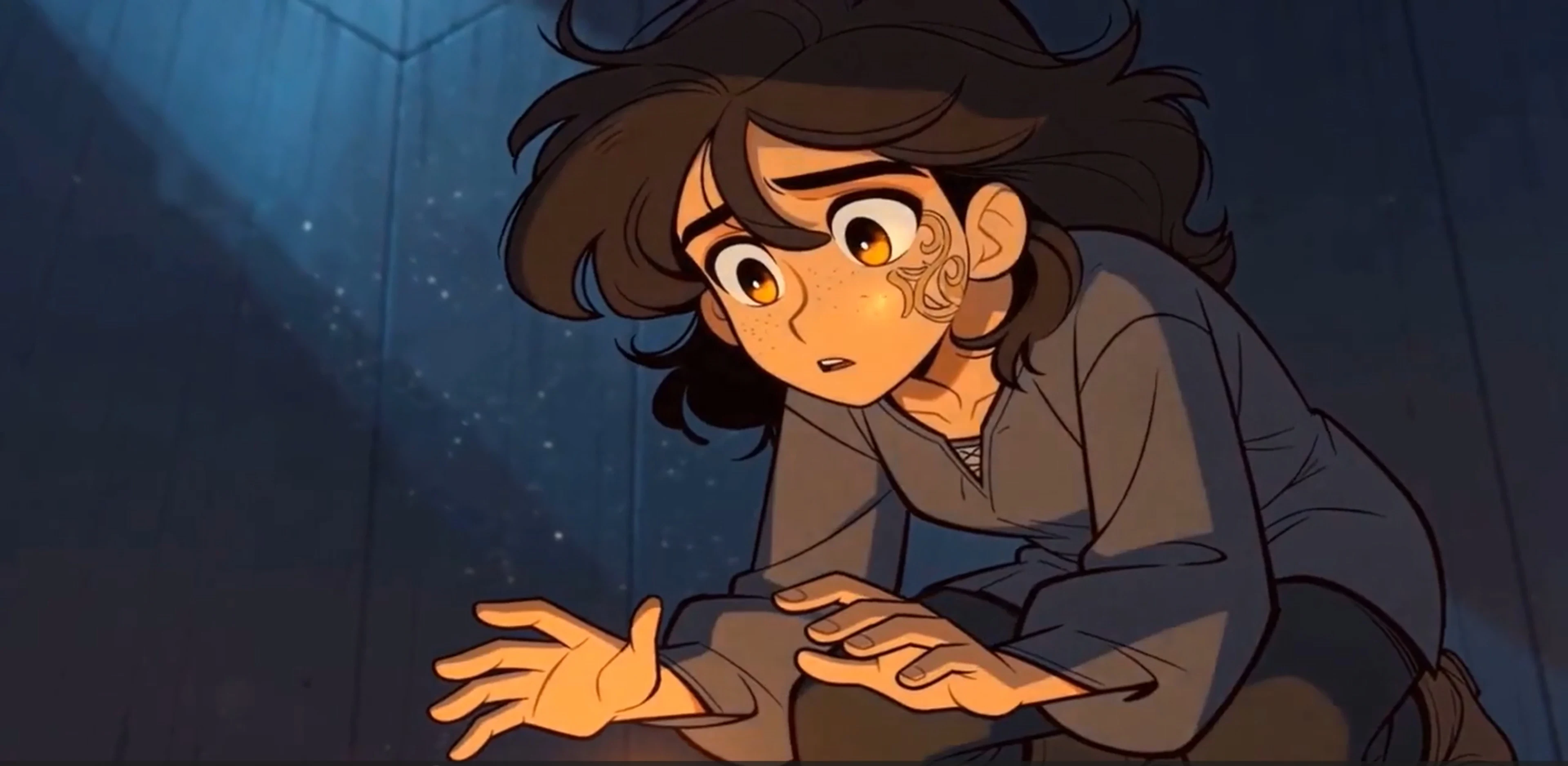
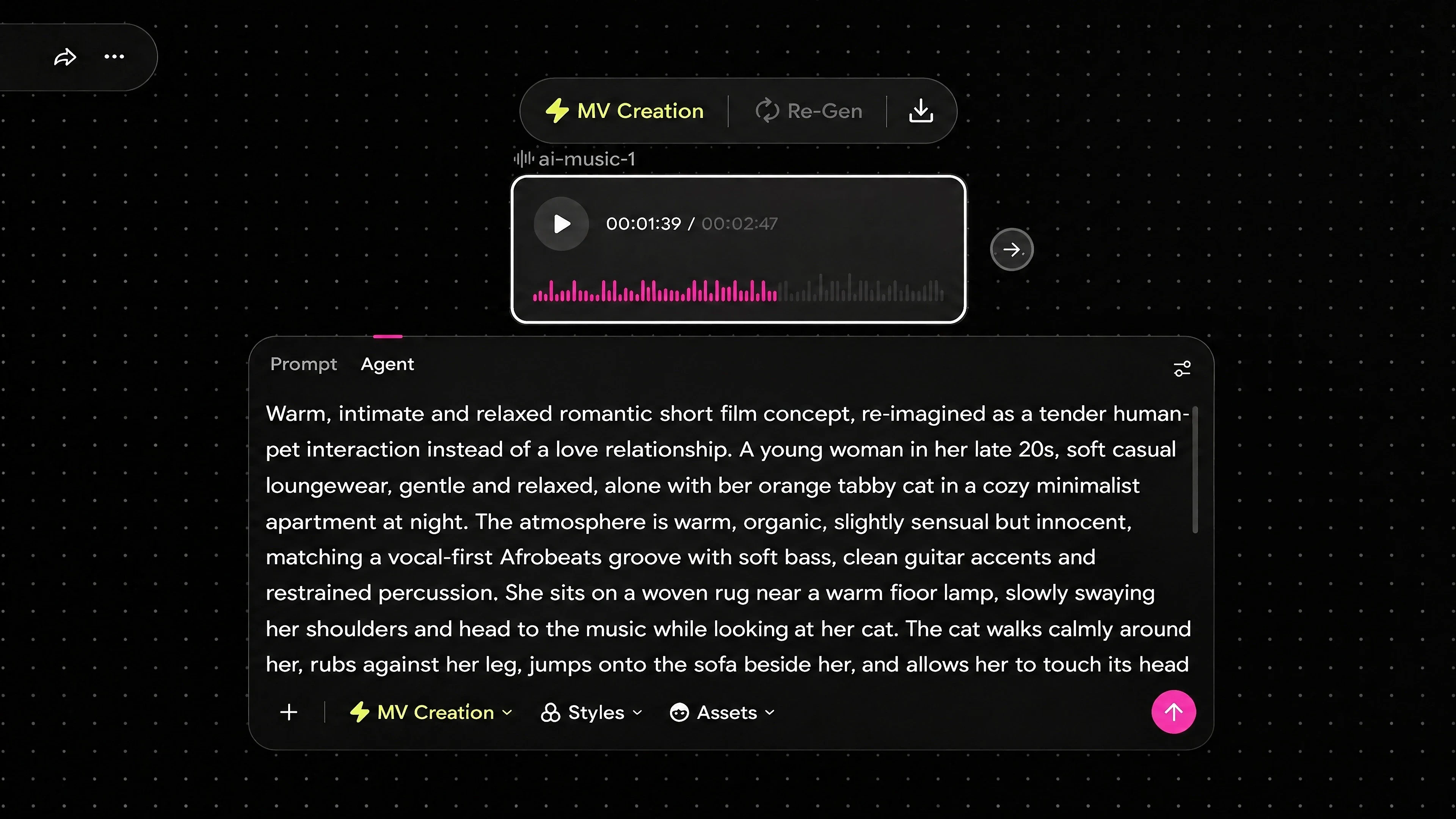
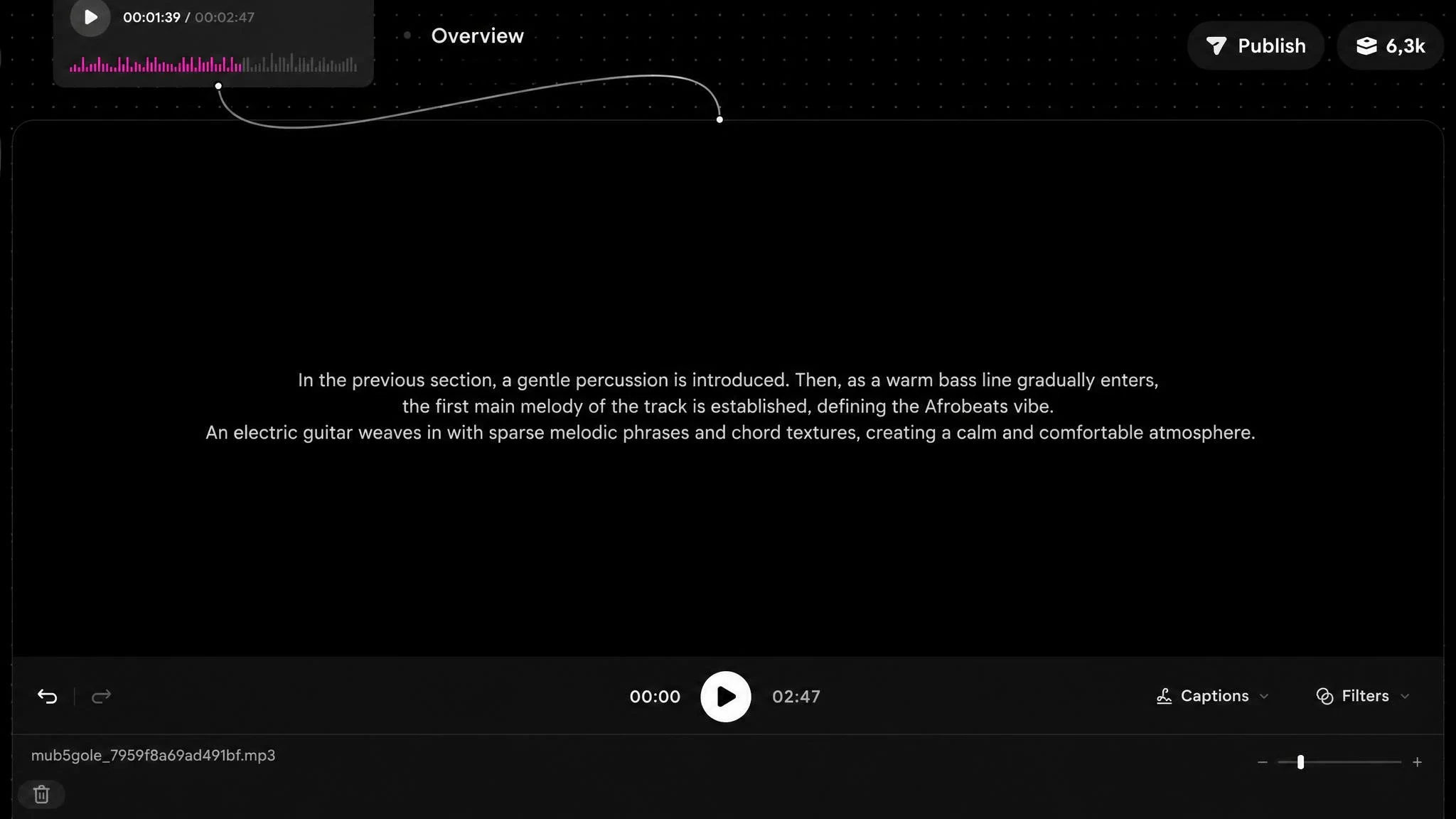
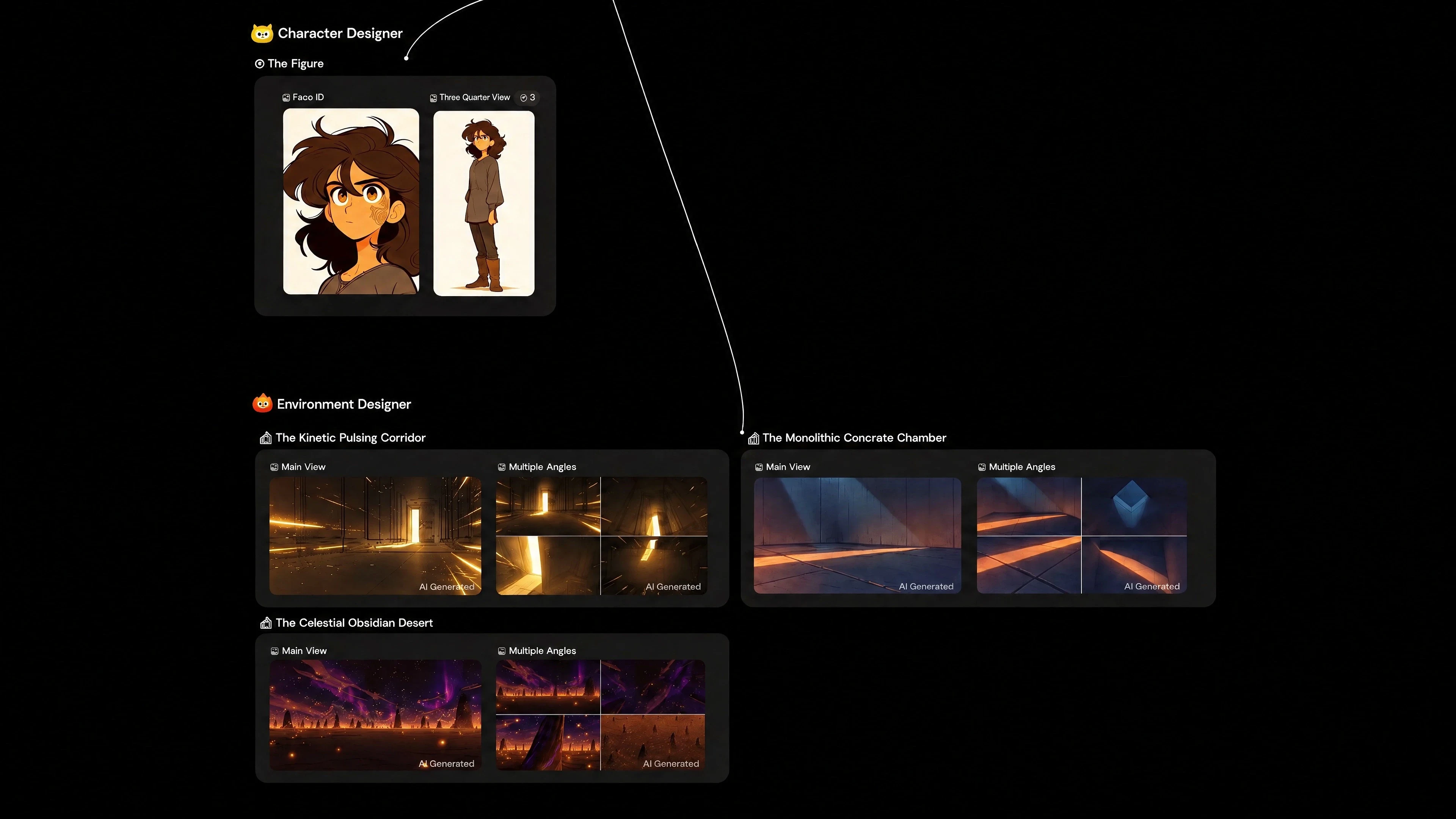
Generate a music video from lyrics
If you have the words but no footage, the lyrics are enough to start. OiiOii reads the lyric sheet for narrative, mood and concrete imagery, then turns each section into scenes that follow the song's own structure, so the visuals track verse, chorus and bridge instead of drifting through unrelated shots.
Lyric-driven generation also keeps the format open. From the same input you can build:
a narrative video that follows the story in the words;
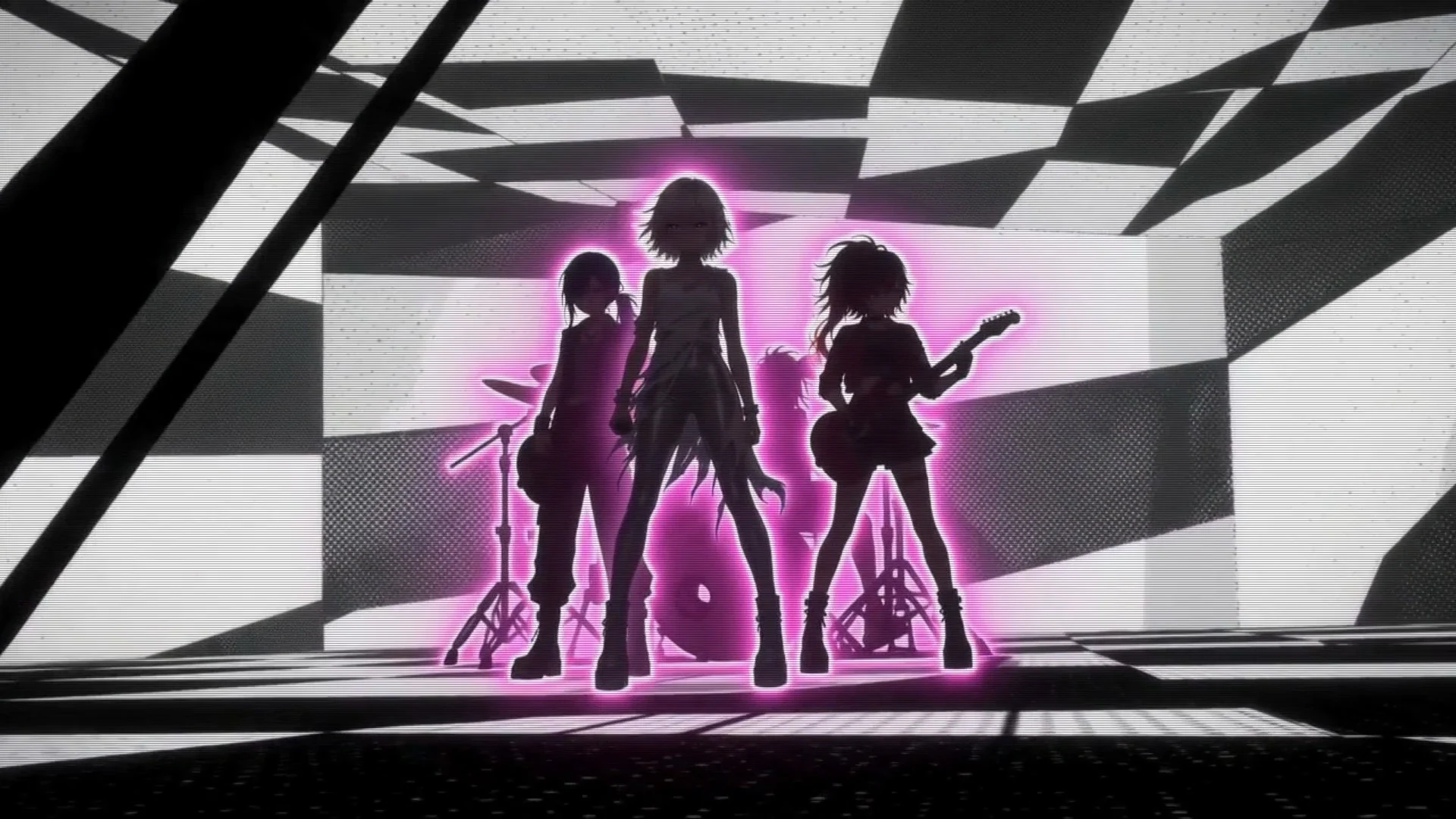
a performance video built around a consistent performer character;
a lyric video with the words on screen;
an abstract or visualiser piece driven by mood rather than plot.
Because characters are defined once and reused, a figure introduced in the first verse is the same figure in the last chorus, which is what separates a music video from a sequence of unrelated clips.
Can AI make a music video for my song?
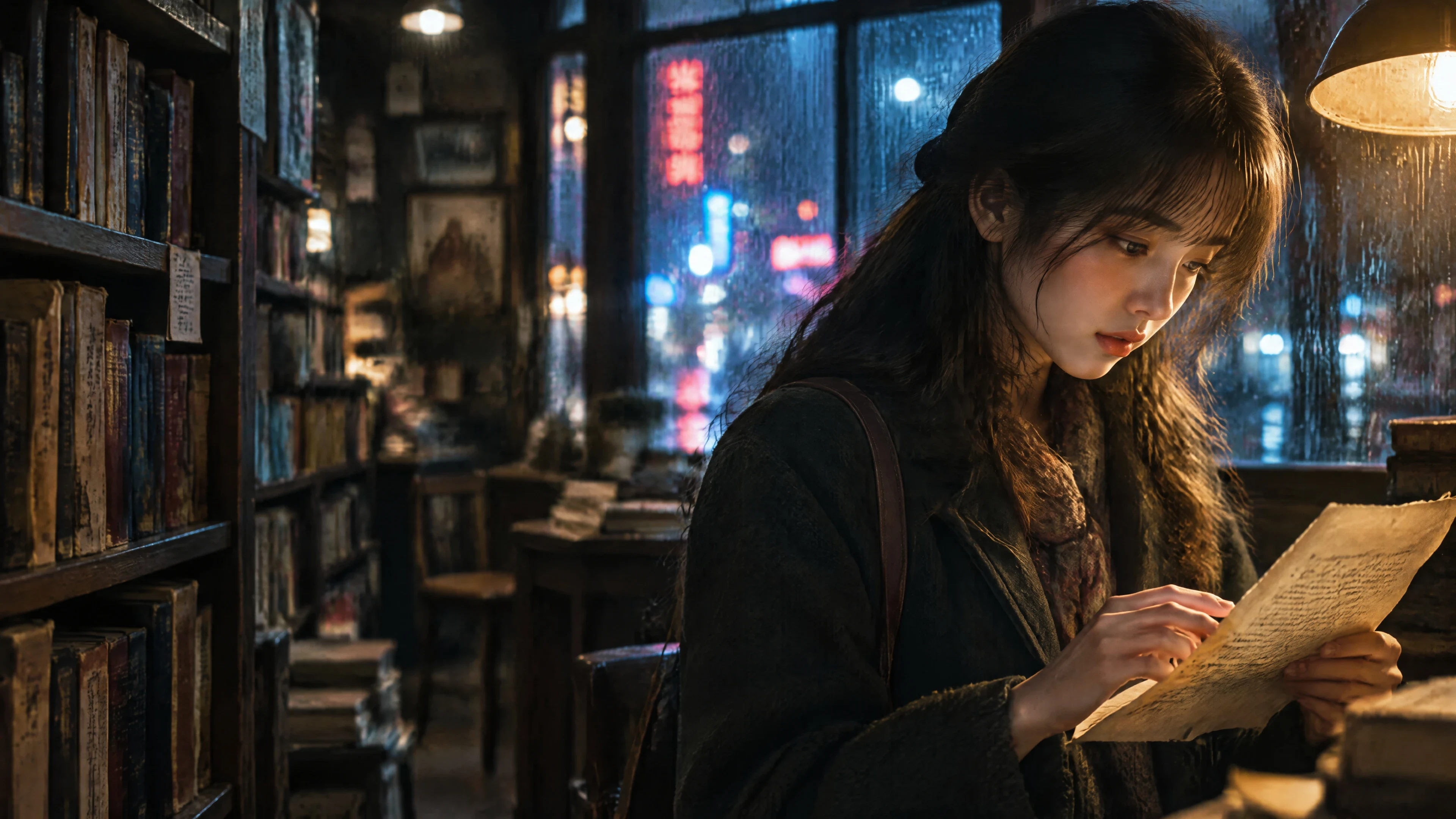
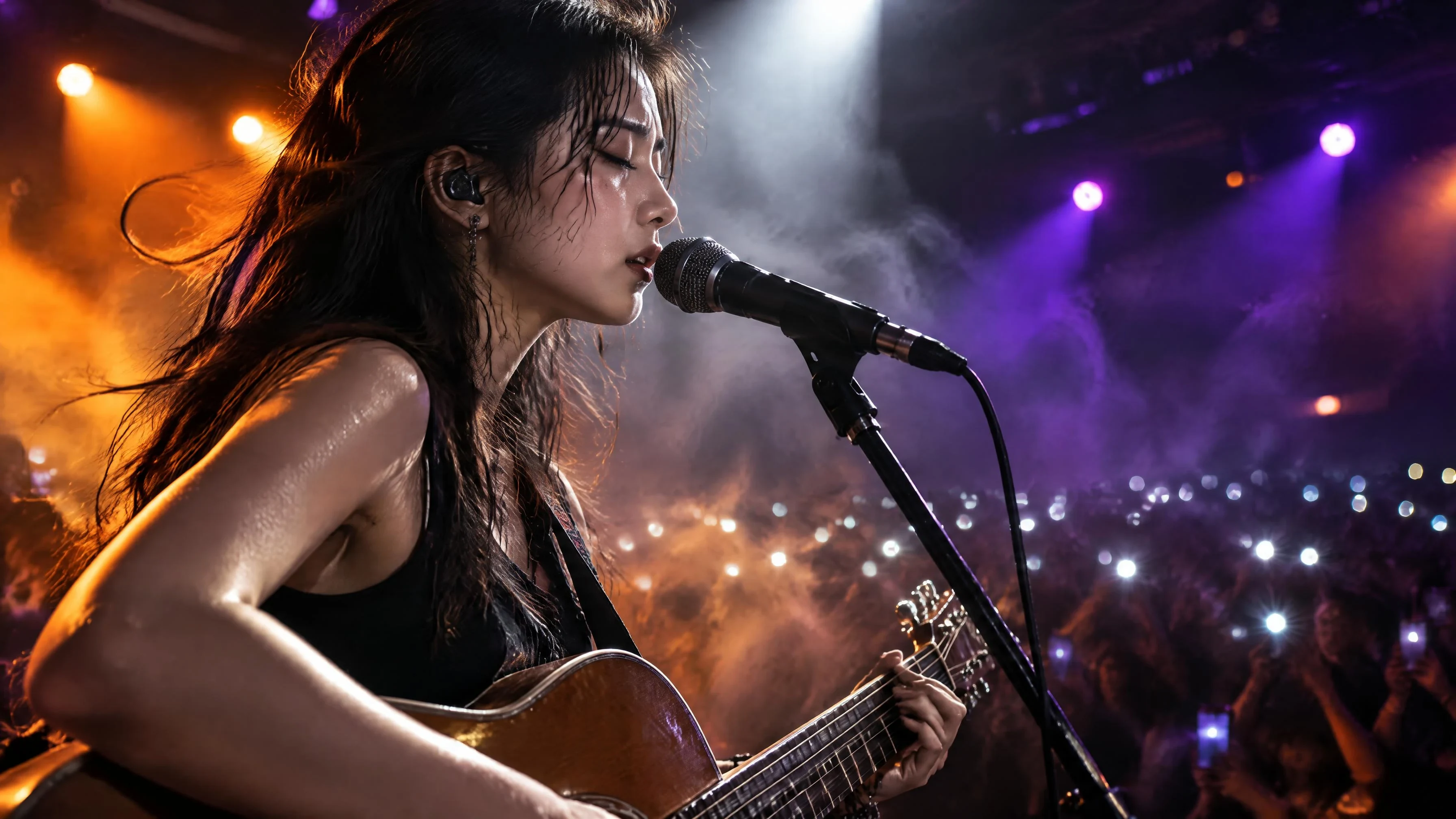
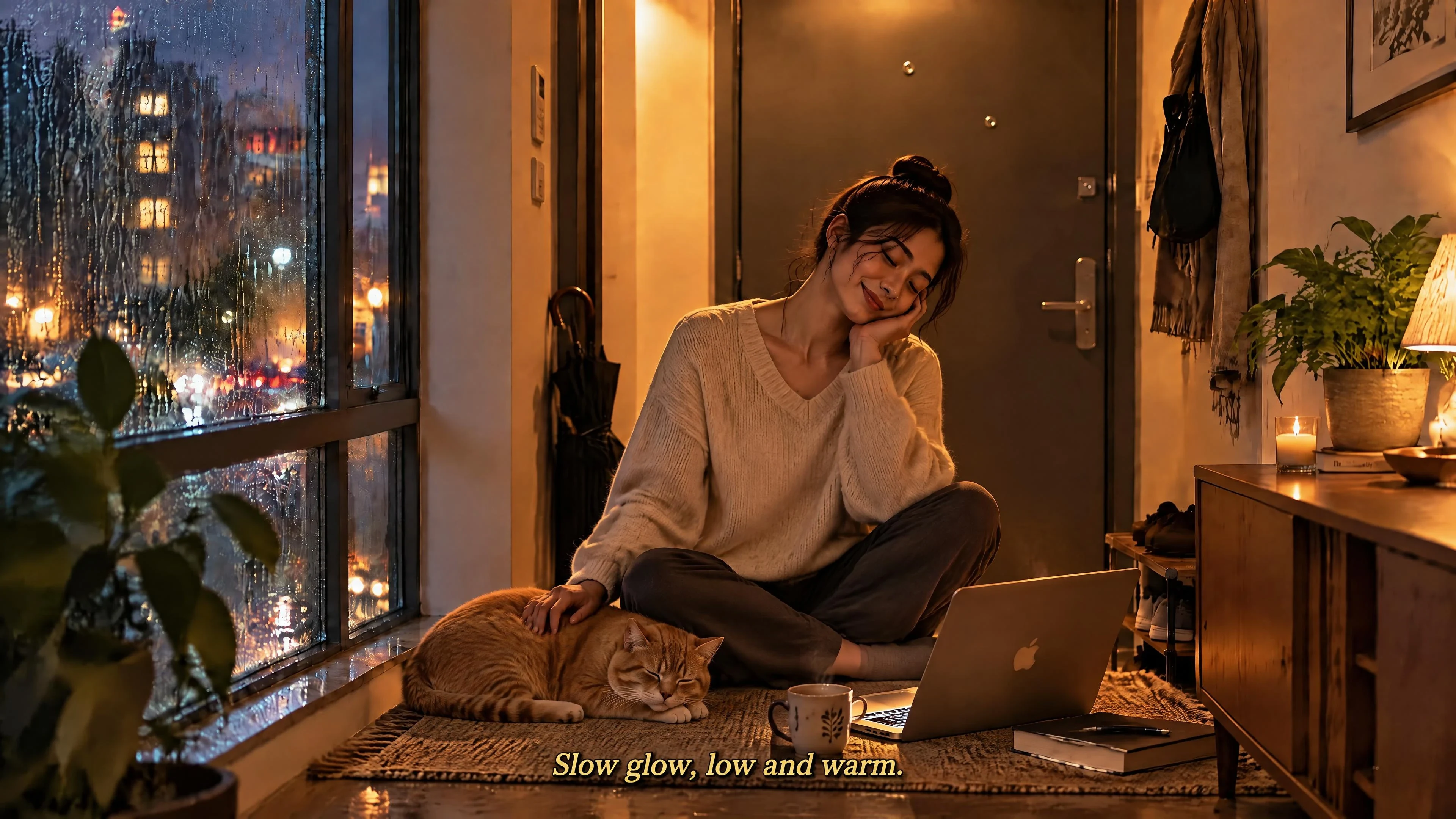
Yes, and it works with your own recording rather than only with AI-generated music. Upload the track you own and the visuals are generated around it.
Three things determine whether the result is usable:
Rights. Use a song you own or have licensed. OiiOii generates the visuals; it does not clear music rights.
Direction. The more specific you are about look, setting and story, the closer the first render lands. A one-line brief produces a generic result in any tool.
Consistency. Define your performer or main character before generating scenes, so the same figure carries the whole video.
Audio stays in sync because sound and motion are generated together rather than matched afterwards, so lip movement and action line up with the track locally.
What you can make
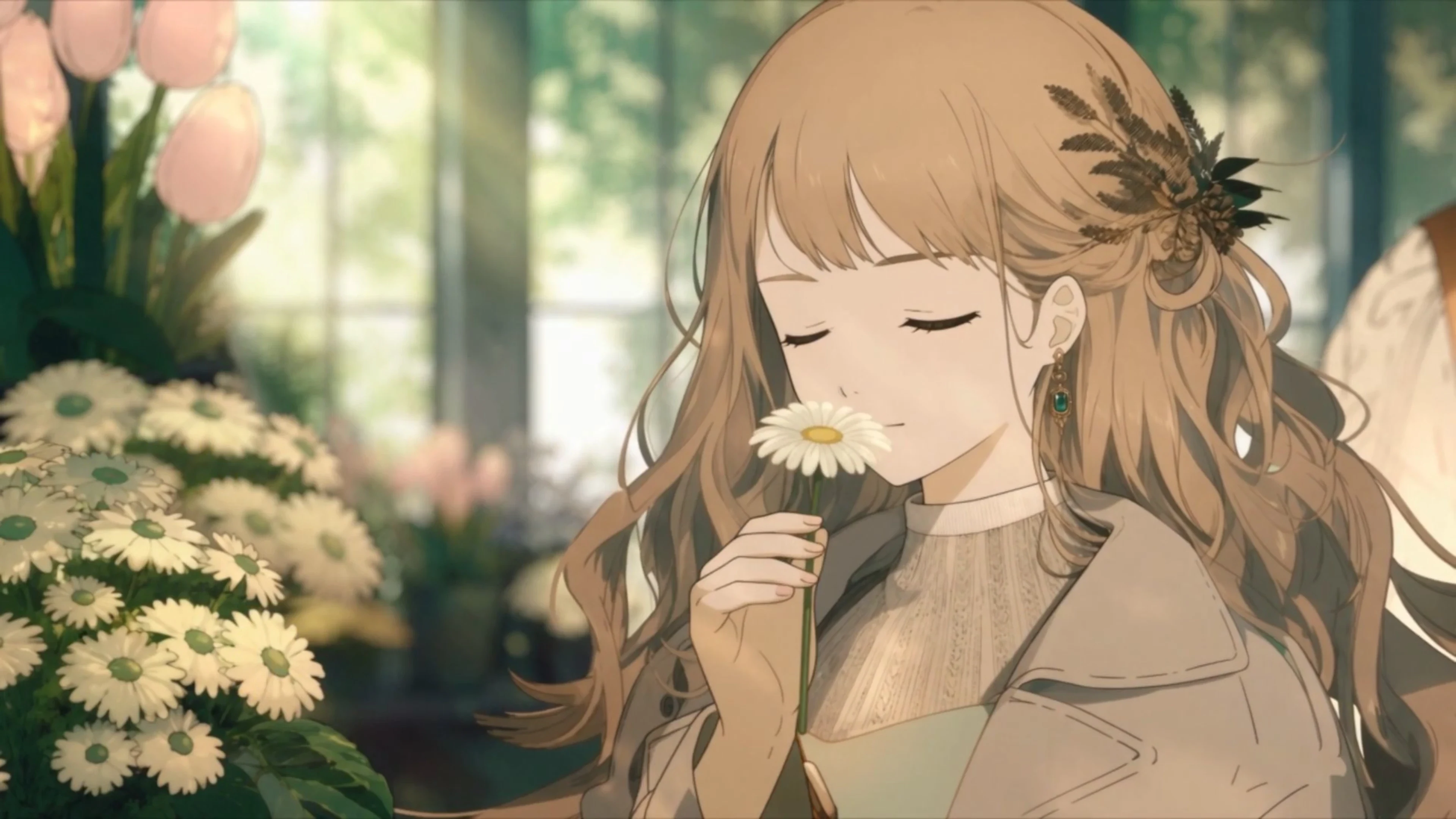
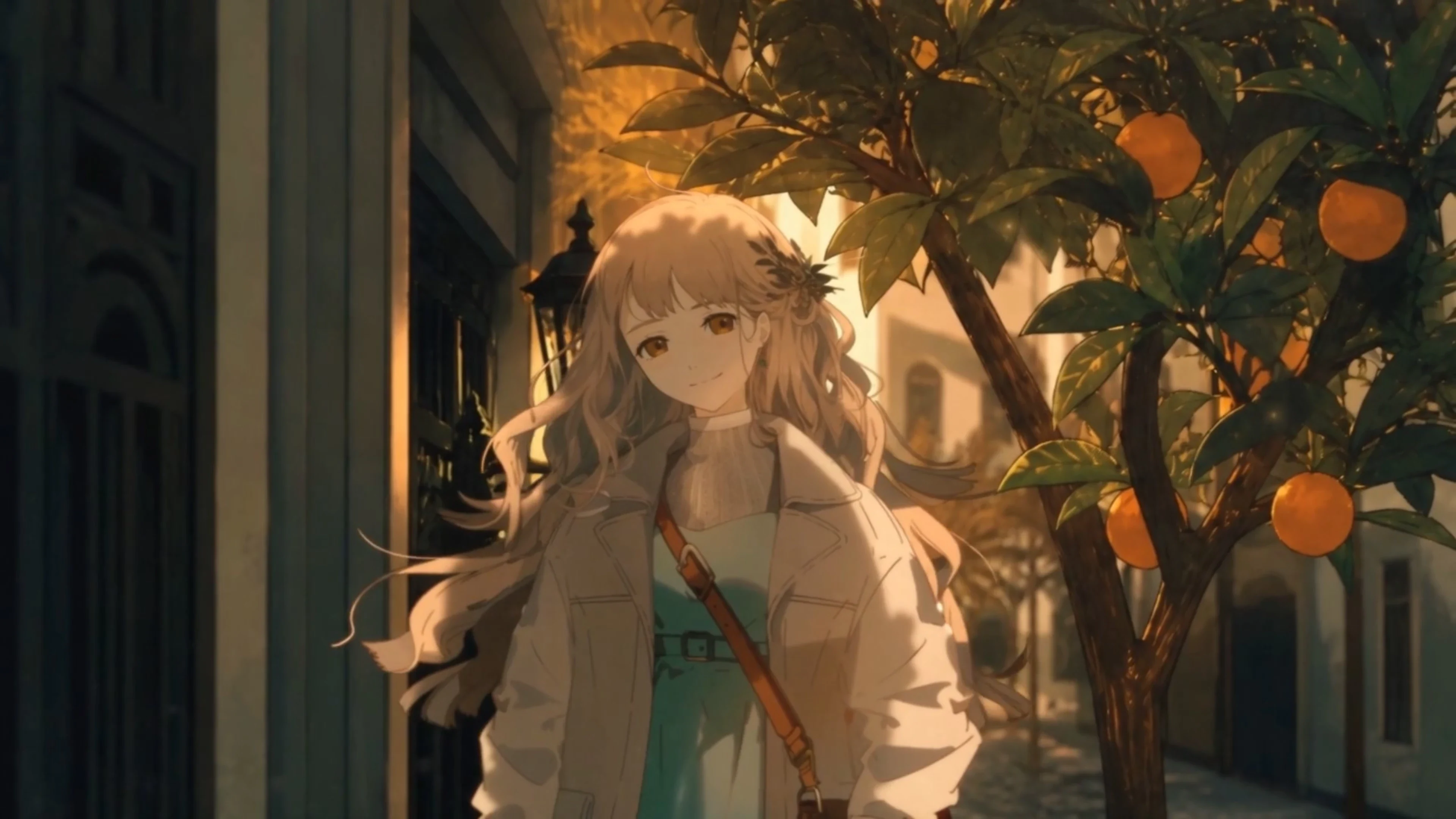
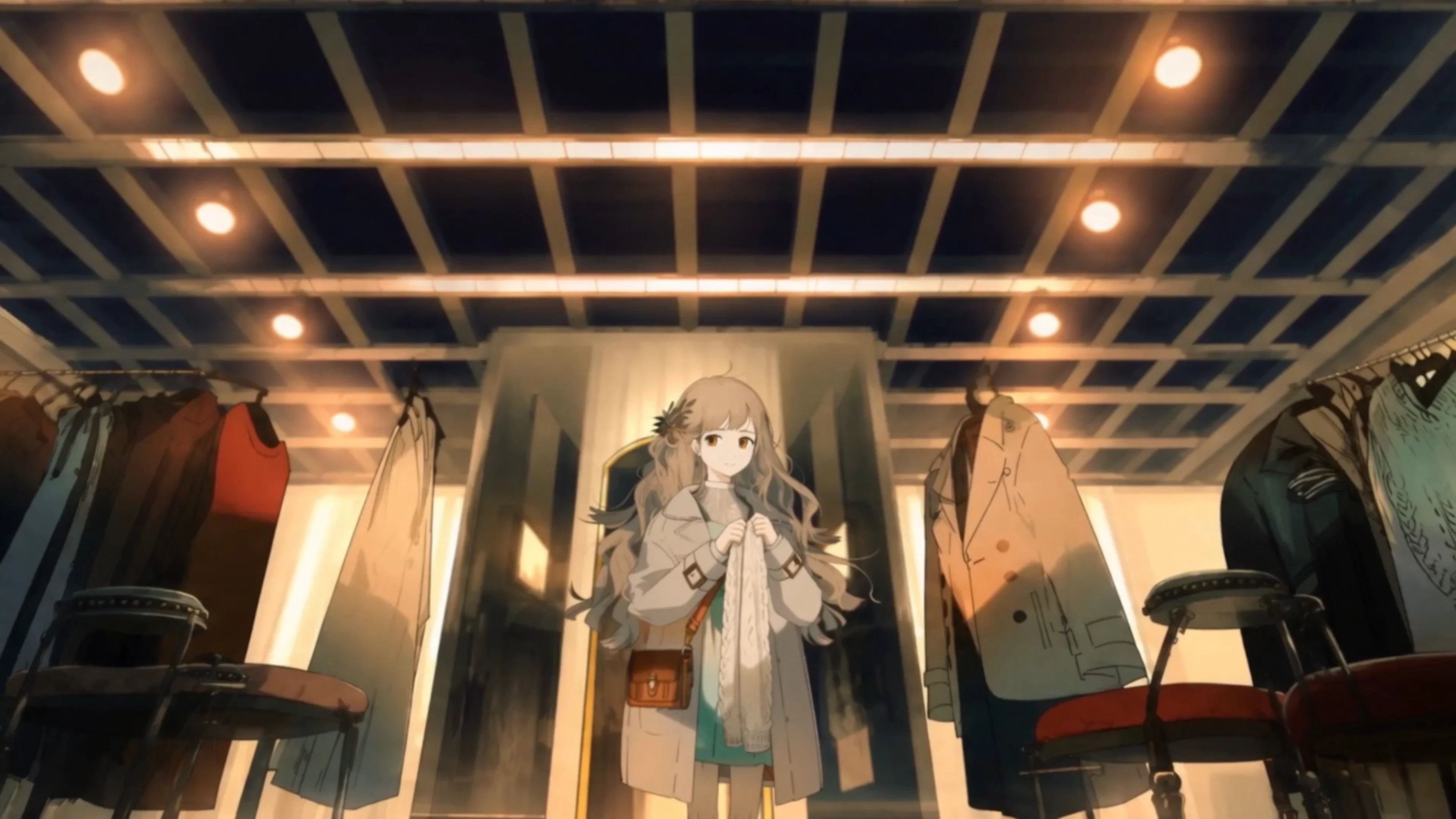
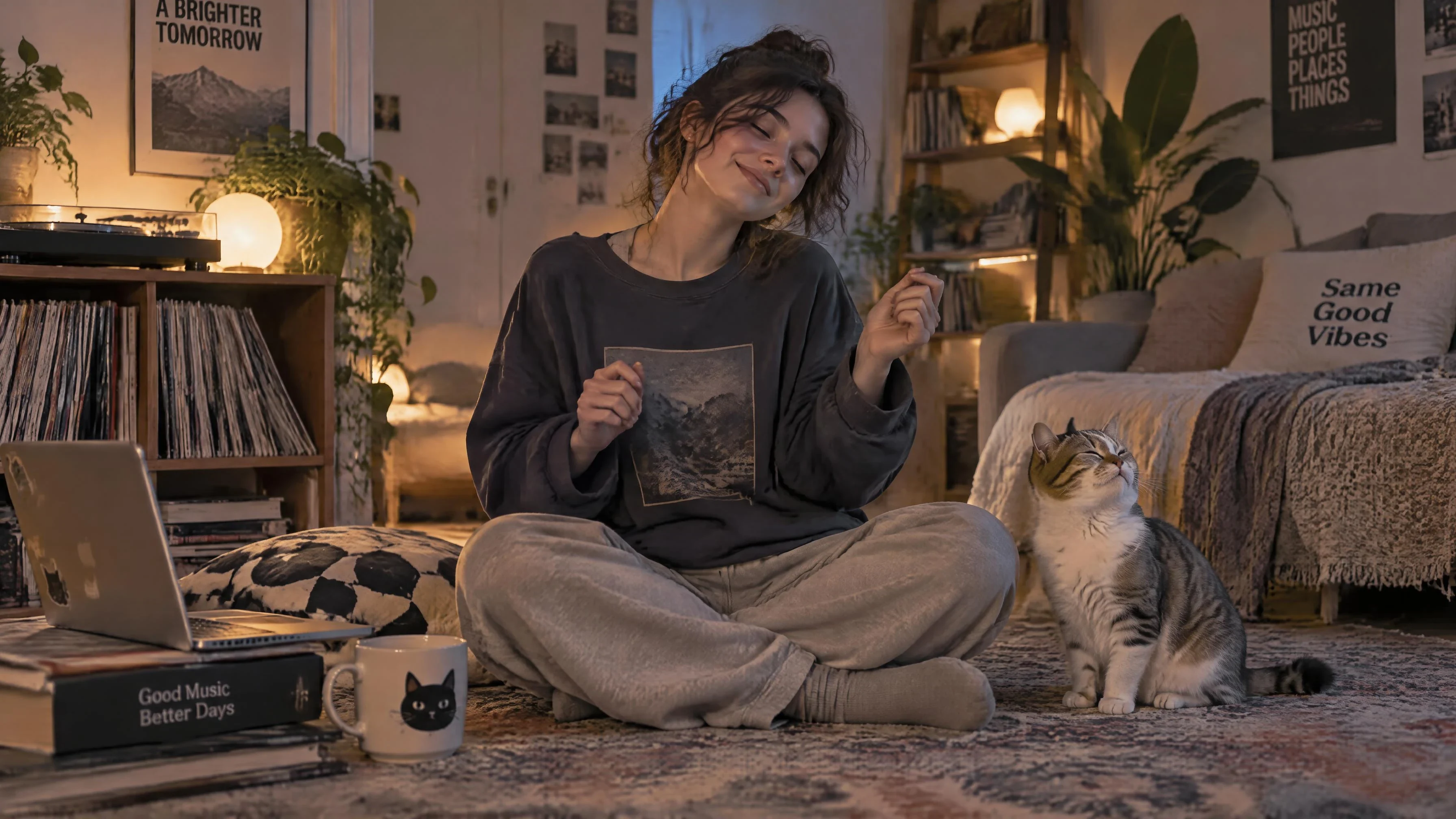
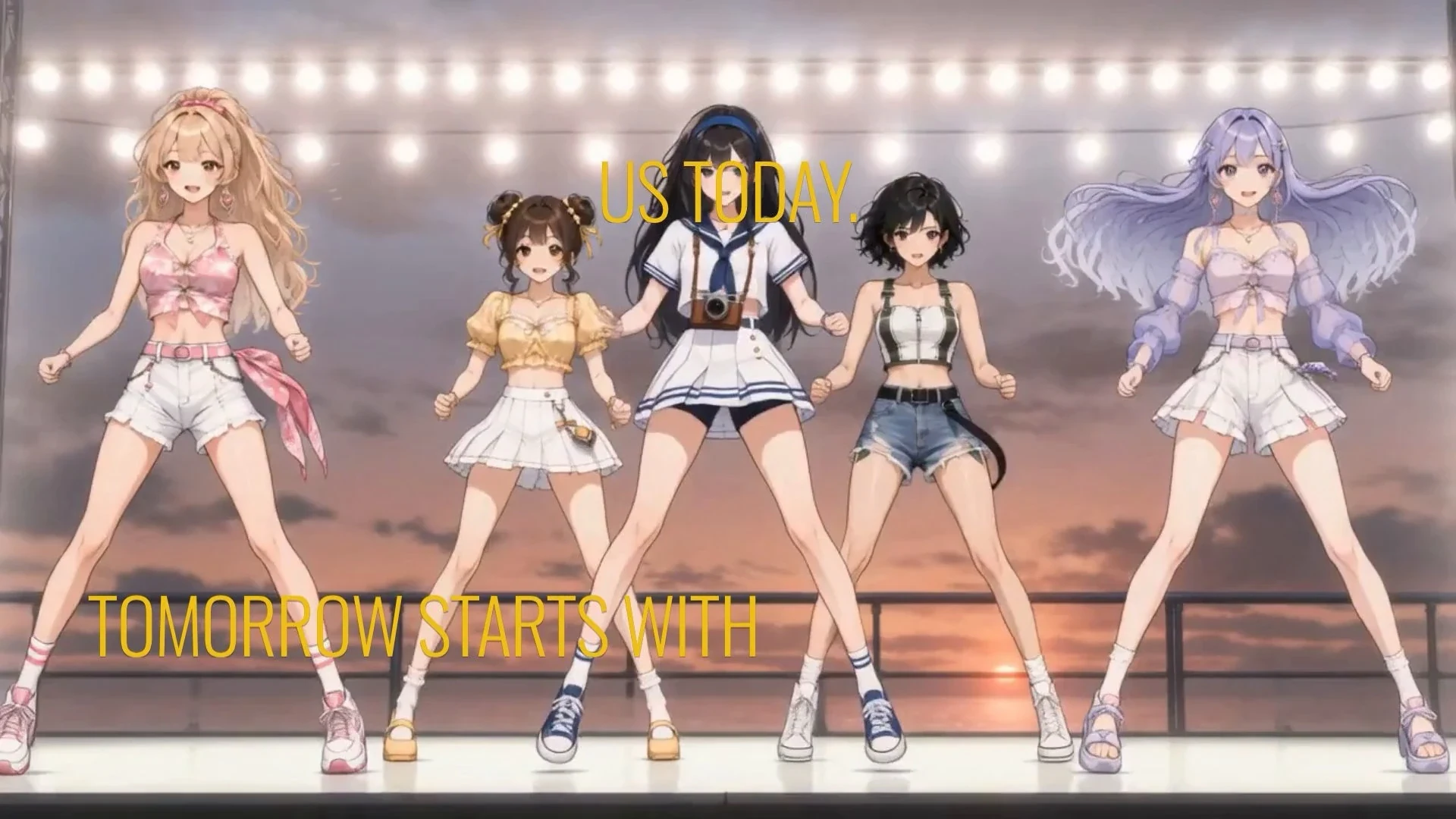
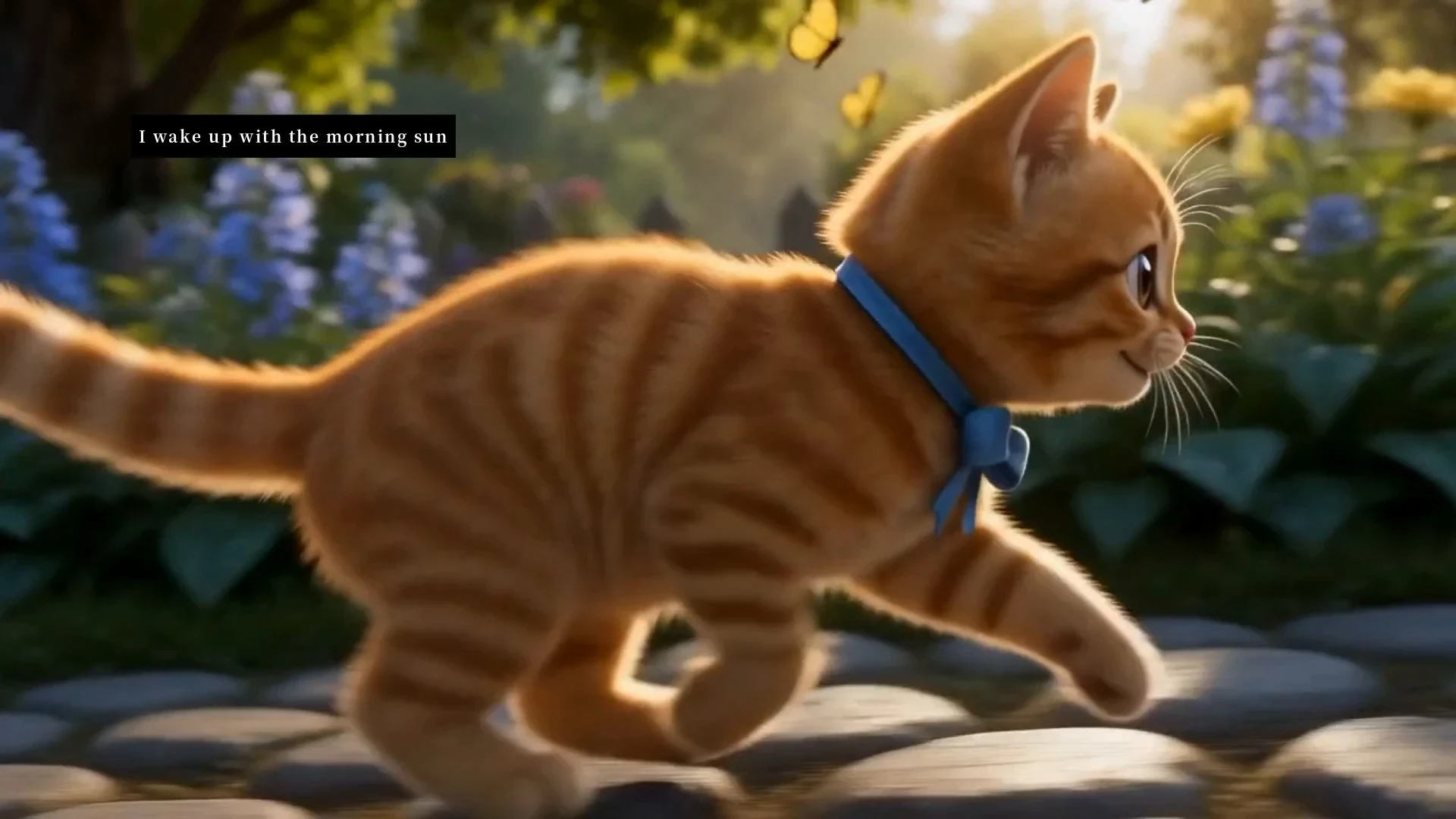
Narrative videos, performance videos, lyric videos, anime and animated music videos, and abstract visualiser
pieces. Styles run from anime and manga aesthetics through to realistic live-action, and the style is set by reference rather than by a preset list.
Music video tools compared
| Dimension | OiiOii | InVideo AI | Canva |
|---|---|---|---|
| Shot length per generation | 4–30s with Seedance 2.5; longer videos use multiple shots | Maximum per-generation duration not listed on the cited website | Maximum per-generation duration not listed on the cited website |
| Works with your own audio | Yes | Not listed on the cited website | Supports audio uploads |
| Lyrics as input | Yes; the system can also generate the song | Not listed on the cited website | Not listed on the cited website |
| Character consistency across shots | Reusable character definitions; review generated results | Not listed on the cited website | Not listed on the cited website |
| Watermark-free export | All paid tiers | All paid tiers | Available on paid tiers |
| Entry price | US$16/month equivalent, quarterly billing | Plus: about US$17/month, billed US$200 annually | Pro: US$180/year |
FAQ
① How does OiiOii create a music video from a song?
OiiOii analyzes your music to understand its mood, lyrics, rhythm, and structure. It then develops the concept, writes the script, creates shot-level prompts and visual assets, generates the videos, and brings everything together in the built-in editor.
② What types of music videos can I create with OiiOii?
OiiOii offers three music video modes: Narrative, Visual FX, and Performance. Narrative focuses on storytelling and emotional expression, Visual FX creates striking and imaginative visuals, while Performance emphasizes rhythm, camera movement, and choreography.
③ Can I use my own song to create a music video?
Yes. You can upload your own song to OiiOii and turn it into a complete music video. You can also provide your creative ideas and reference assets to guide the visual direction.
④ How much does it cost to create an AI music video?
The cost of creating a music video depends on the generation settings, video length, and resources used. Check the OiiOii pricing page for the latest credit costs and available plans.
⑤ Can I create a music video from a Suno or other AI music platform link?
URL-based music video creation from platforms such as Suno is coming soon. You will be able to provide a supported music URL and turn your song into a complete music video with OiiOii.
⑥ How do I make a music video with AI tools?
Upload your song or paste a link, let OiiOii analyse the track and draft the scenes, direct the look on the canvas, then render.
⑦ Can AI generate a music video from lyrics?
Yes. Lyrics alone are enough. OiiOii reads them for narrative and mood and builds scenes that follow the song's structure.
⑧ Can AI make a music video for my own song?
Yes. Upload a track you own and the visuals are generated around it, with consistent characters and audio kept in sync.
⑨ How long can each shot be?
Each generation returns one continuous shot of up to 30 seconds, so a full video needs a handful of deliberate cuts rather than dozens.