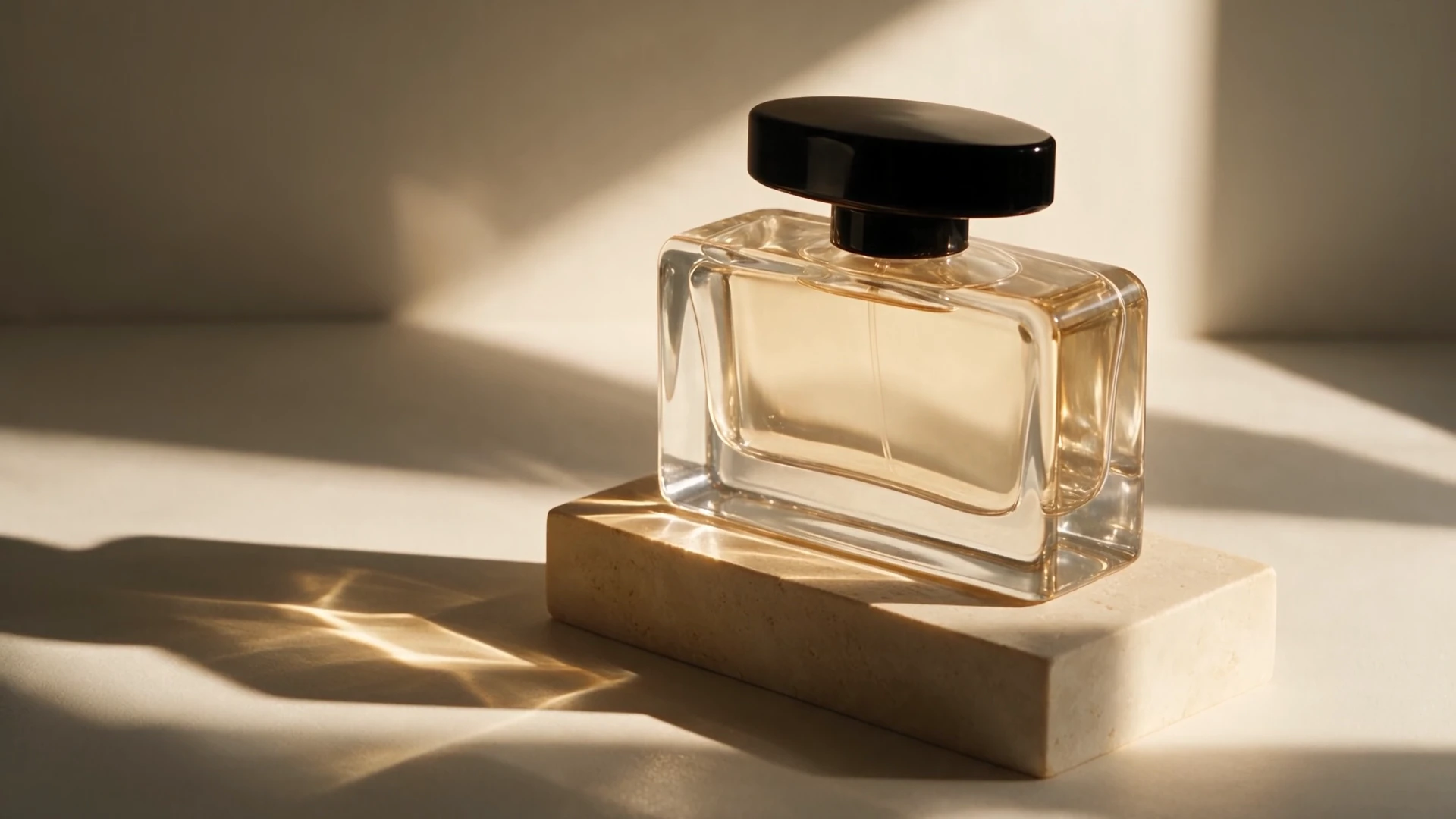
Perfume in Morning Light
Warm studio light, glass details, and a fine perfume mist.
Keep your ideas moving with Seedance 2.5, MiniMax H3, and Kling 4.0. Compare your options and bring saved prompts, images, and clips into your next OiiOii project.
Sora 2 is discontinued. Create with an available OiiOii model.
Sora 2 was OpenAI’s video and audio generation model. It turned text prompts and images into scenes with synchronized sound, with a focus on physical action and cinematic storytelling.
OpenAI has discontinued Sora 2. Its public API, including Sora 2 Pro, shut down on September 24, 2026. It is no longer available on OiiOii, and switching countries or products that used that API will not restore access.
| Compare | Sora 2 (discontinued) | Seedance 2.5 | MiniMax H3 | Kling 4.0 |
|---|---|---|---|---|
| Availability | Discontinued | Available on OiiOii | Available on OiiOii | Available on OiiOii |
| Clip duration | Up to 20 seconds (historical) | 4–30 seconds | 5–15 seconds | 3–30 seconds |
| Output resolution | 720p; 1080p with Sora 2 Pro (historical) | 480p / 720p / 1080p | 768p / 2K | 720p / 1080p |
| Input references | Text or an image | Text, images, video, audio | Text, images, video, audio | Text, images, video, voice references |
| Generated audio | Synchronized audio | Built-in audio | Native stereo audio | Two-channel stereo audio |
| Image references | 1 image as a first-frame reference | Up to 50 images | Up to 9 images | Up to 10 images |
| Aspect ratios | 16:9, 9:16 | 16:9, 9:16, 1:1, 4:3, 3:4, 21:9; adaptive | 16:9, 9:16, 1:1, 4:3, 3:4, 21:9 | 16:9, 9:16, 1:1, 21:9; adaptive |
| Choose it for | Historical reference only | Longer scenes with multiple references | Short scenes with 2K output and sound | Sequences guided by up to 10 keyframes |
Choose the controls your next scene needs: longer clips, higher resolution, or more detailed visual references. These are independent models with different results and workflows. Sora 2 is shown for historical comparison only; its public specifications do not represent a service available today. Alternative-model specifications reflect OiiOii support. Kling 4.0 on OiiOii supports 720p and 1080p. Image-reference limits are separate from keyframe controls.
Explore product films and animated storytelling created on OiiOii.
Warm studio light, glass details, and a fine perfume mist.
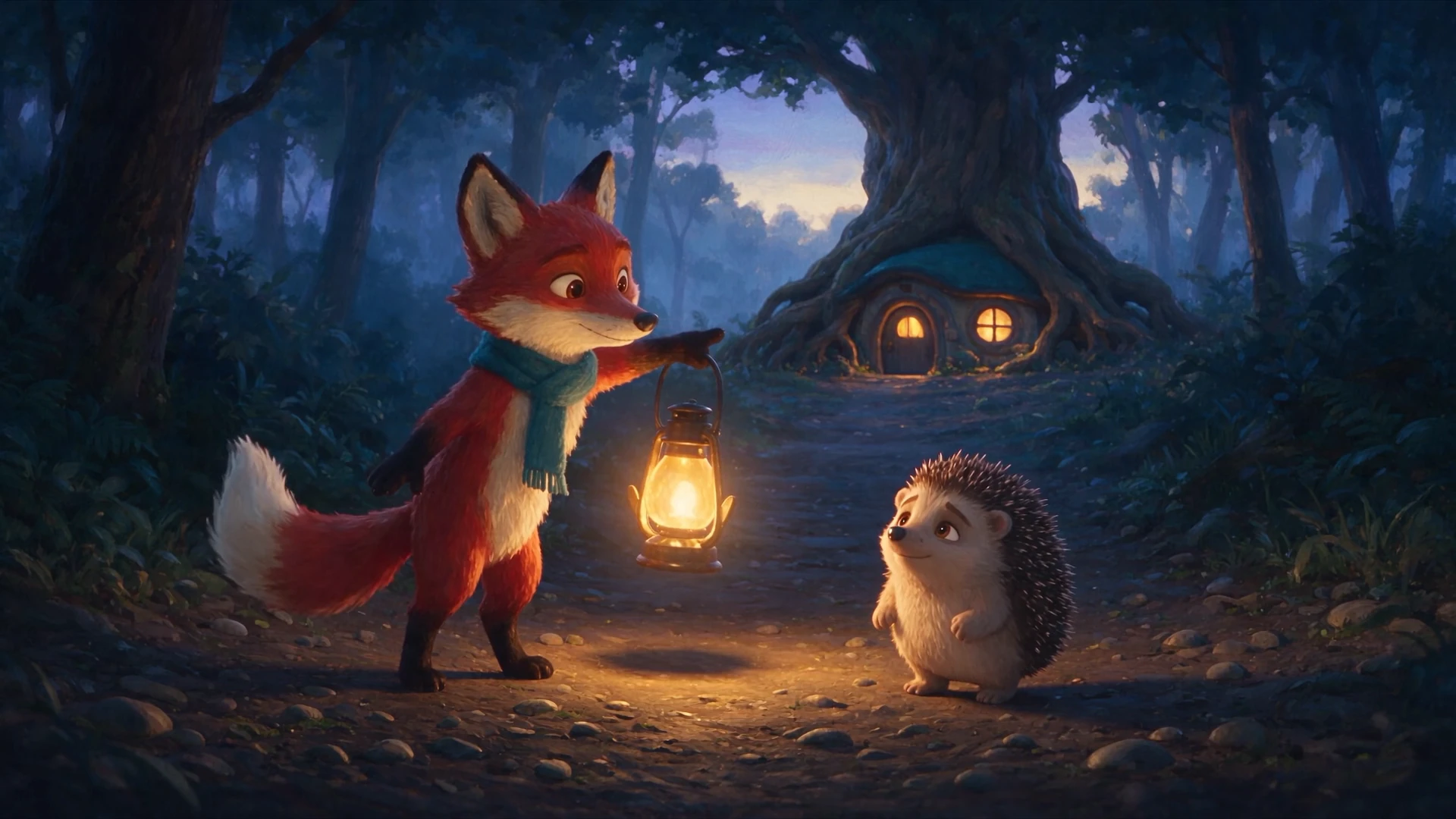
A fox with a lantern helps a lost hedgehog find its way home. Follow a complete animated scene from uncertainty to a warm farewell.
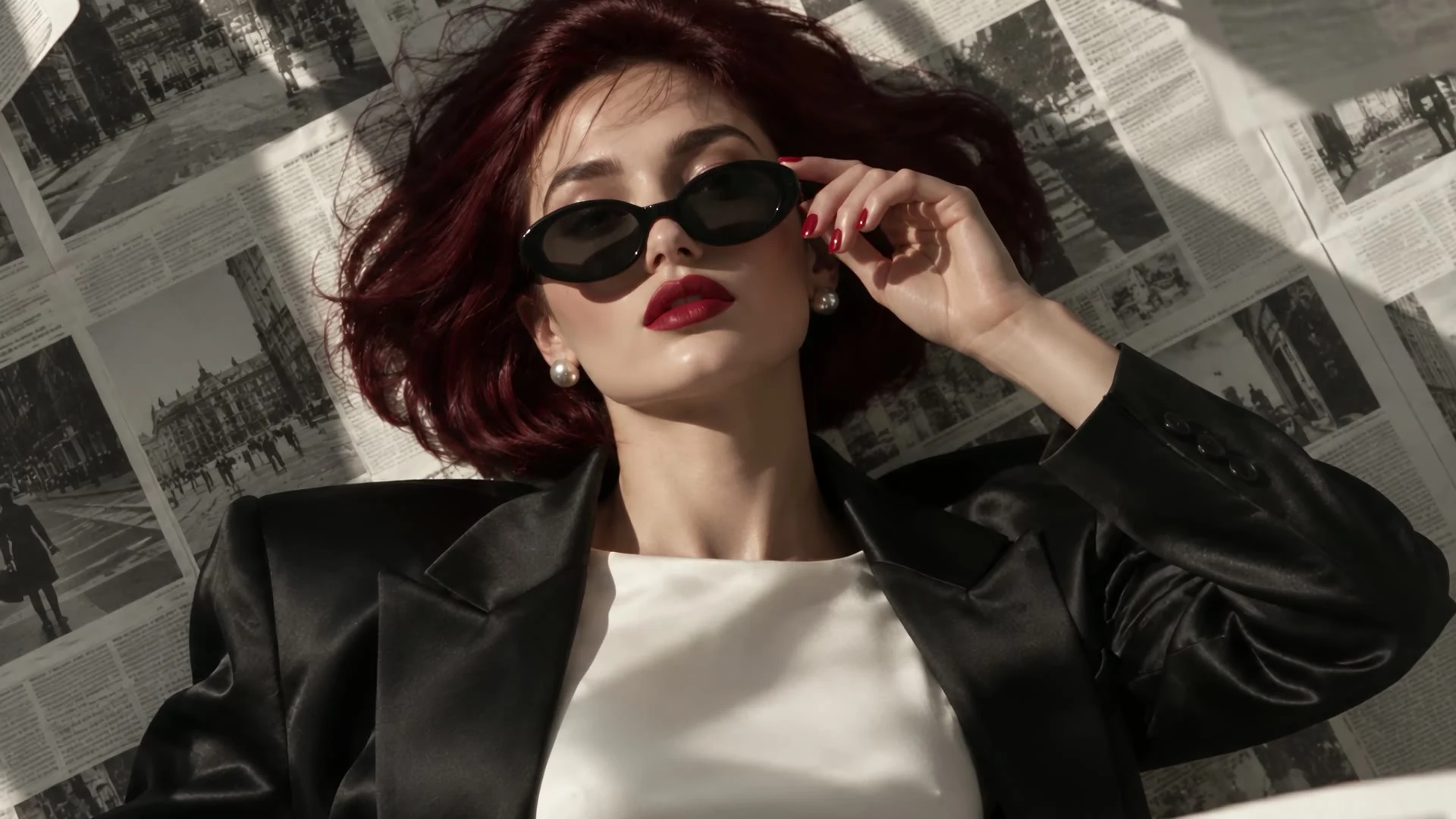
Red lips, dark sunglasses, and flying newspaper pages in a fast-cut beauty editorial.
Start with prompts and files you have already saved. Reuse the creative decisions behind your Sora project while rebuilding the next scene with another model.
If your clips and references are already saved in an OiiOii project, reuse them there and choose another model for new shots. For work saved elsewhere, bring the files into a new OiiOii project.
Prompts and shot notes
Keep your subject, action, framing, lighting, and dialogue. Adjust clip length and reference instructions for the model you choose.
Character and scene images
Upload original reference art or a clear frame from a saved clip. Use it to establish the look of the next shot.
Downloaded videos
Keep finished clips in your edit, or use supported video-reference inputs to guide a new generation. A finished clip is reusable footage; it does not contain an editable Sora project.
Storyboards and character details
Rebuild the shot plan in OiiOii. Reuse saved artwork and written descriptions, then review the characters and scenes before generating new shots.
Gather what you saved — Collect the prompt, reference images, downloaded clips, and shot notes for the scene you want to continue.
Choose a model and test one shot — Match the duration, resolution, and reference controls to your task. Generate one representative shot before rebuilding a longer sequence.
Continue the story in OiiOii — Reuse the selected references for the next shots. Review continuity, adjust the shot order or length, and assemble the sequence in Canvas.
This workflow reuses saved files; it is not a direct import of a Sora account, character preset, or editable project. New shots may differ in appearance, motion, and sound.
Explore Seedance 2.5 · Explore MiniMax H3 · Explore Kling 4.0 · Start a New OiiOii Project
Sora 2 was OpenAI’s video and audio generation model. It created scenes from text prompts or an image, with synchronized sound. The model has been discontinued and is no longer available on OiiOii.
Sora 2 is discontinued, so neither free nor paid generation is available on OiiOii. Other models use OiiOii Credits. Review the task total and any membership requirement before generating.
No. Sora 2 has been discontinued, including its public API. It is unavailable on OiiOii; a different country or a product using the same retired API does not restore access.
Choose Seedance 2.5 for longer clips with multiple references, MiniMax H3 for short scenes with 2K output and sound, or Kling 4.0 for keyframe-guided sequences. Match the model to your shot rather than expecting identical Sora results.
Yes. You can start from a written scene or use an image to guide the result. Reference controls, output settings, and supported combinations differ by model.
Use character images, descriptions, prompts, and clips you already saved to rebuild the project in OiiOii. This is file-based reuse, not an automatic transfer of Sora account data or character presets.
Yes, if you have the saved files. Keep the footage in your edit, extract a clear reference frame, or use a model’s supported video-reference input. This does not regenerate the old clip with Sora.
Choose a model, bring the references you saved, and continue creating with OiiOii.