
Venus, Summer ’67
A sunlit romance follows two travelers through a retro-futurist holiday beyond Earth.
Create short videos from a prompt, images, or a reference clip. Use Gemini Omni on OiiOii to shape your scene, explore visual changes, and bring the next shots together in Canvas.
Gemini Omni is Google’s multimodal video model, built to create and edit video using natural-language instructions and reference material. Its approach combines visual generation with an understanding of movement and real-world context.
On OiiOii, start with text or use image and video references, then continue your creative project with reusable assets and Canvas.
Discover retro-futurist romance and animated adventure from OiiOii’s wider creative workflow.
A sunlit romance follows two travelers through a retro-futurist holiday beyond Earth.
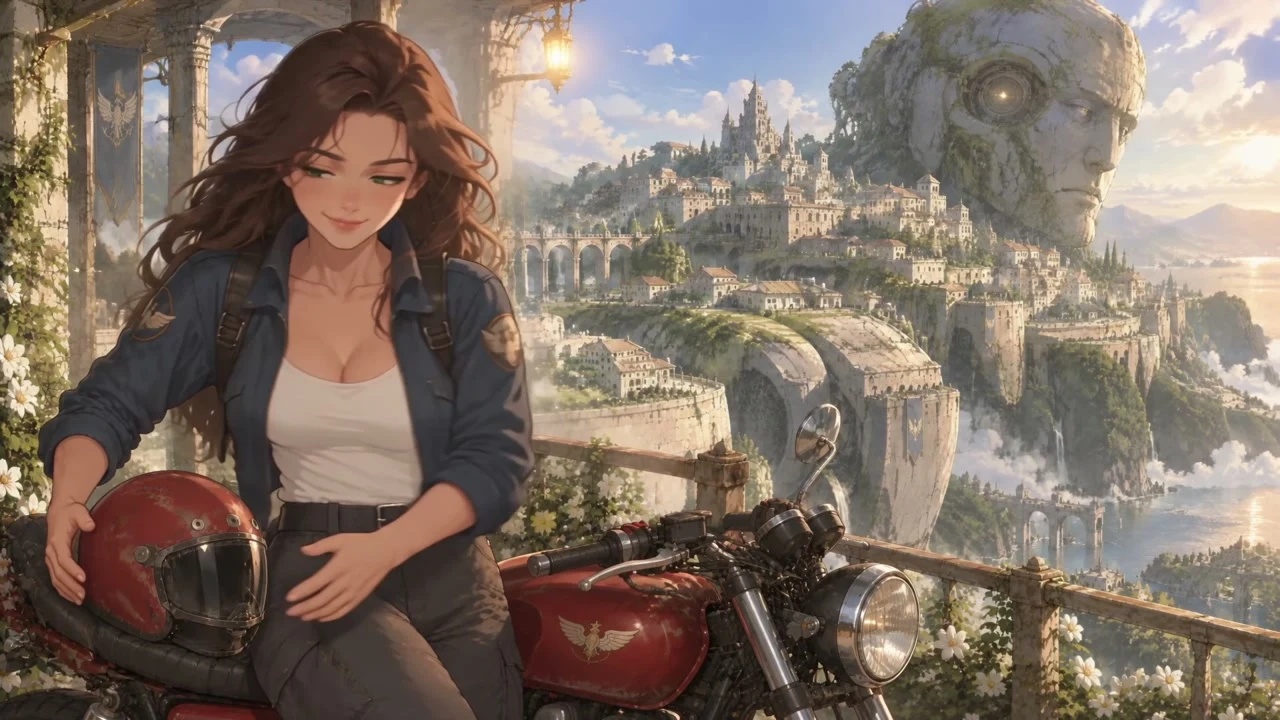
A rider sets off through sunlit arches toward a city built around an ancient machine.
Write what should happen in the shot. Add images or a reference clip when you want to guide the subject, setting, or visual direction.
Select the available duration, resolution, and aspect ratio for your shot. Describe the camera movement and any sound you want the scene to include.
Review the result and refine your direction for the next generation. Keep a single clip, or bring your selected shots into Canvas to build a longer sequence.
Keep character images, scenes, and props in Assets, then bring them into later shots as references.
Develop your idea into a script and storyboard. Organize the generated shots in Canvas and adjust their order and length.
Bring your selected clips together with music and voice in OiiOii. Use Gemini Omni for the shots you need within a broader creative workflow.
Gemini Omni is Google’s multimodal model for video generation and editing. It combines natural-language instructions with reference material to create video. On OiiOii, use it for short clips, then develop selected shots into a larger project in Canvas.
On OiiOii, Gemini Omni currently requires membership and Credits for generation. Check your access and the task total before starting. Access and pricing on Google’s own products are separate from OiiOii.
Sign in to OiiOii and open this page. Gemini Omni is selected in the creator. Enter your scene, add supported references, and check your membership access before generating.
Describe one clear scene, add image or video references if needed, and select the available duration, resolution, and aspect ratio. Generate a clip, review it, and refine your next request. Audio reference uploads are not currently supported for this model on OiiOii.
Gemini Omni Flash is a model in Google’s Gemini Omni family for video generation and editing. OiiOii currently labels its available model “Gemini Omni”; use the model name shown in the creator rather than assuming a specific Flash version.
On OiiOii, generation uses Credits and currently requires membership. The task total depends on your selected settings and is shown before you generate. Check that total and the current membership options instead of assuming a fixed price per video.
Describe the subject, one main action, setting, camera movement, lighting, and sound. For revisions, state what should change and what should stay. Keep the action achievable within the clip, and use clear references to guide appearance. Review the result before adding more complexity.
It is useful for exploring short scenes from prompts and visual references. Choose it for the shot you need, then inspect motion, subject details, lighting, and continuity. Review character and product details before using a result in your finished project.
OiiOii currently lists 4, 6, 8, and 10-second generations for this model. For a longer story, create separate shots and assemble them in Canvas. This is a multi-clip project rather than one uninterrupted model generation.
Start with a prompt or visual reference. Create your next video with Gemini Omni on OiiOii.