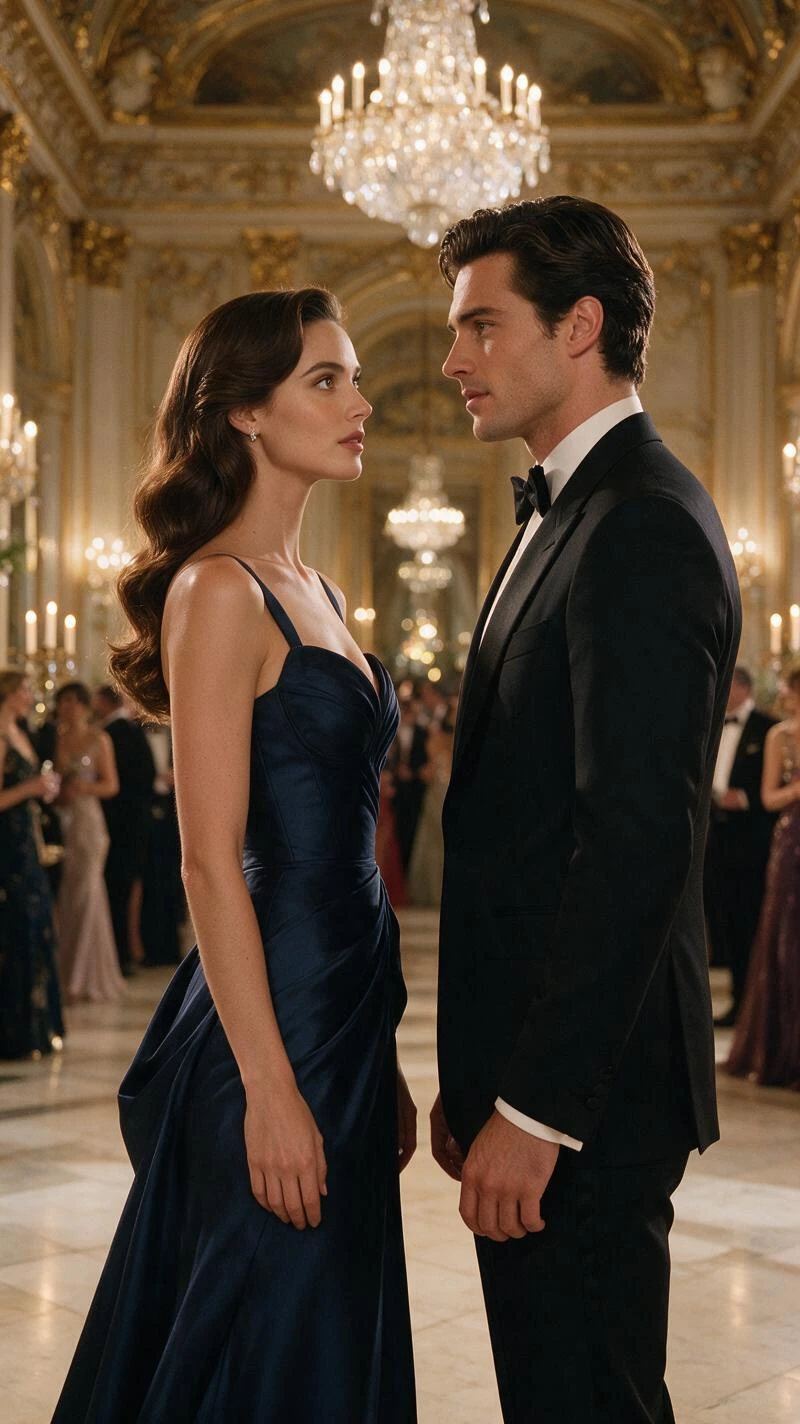
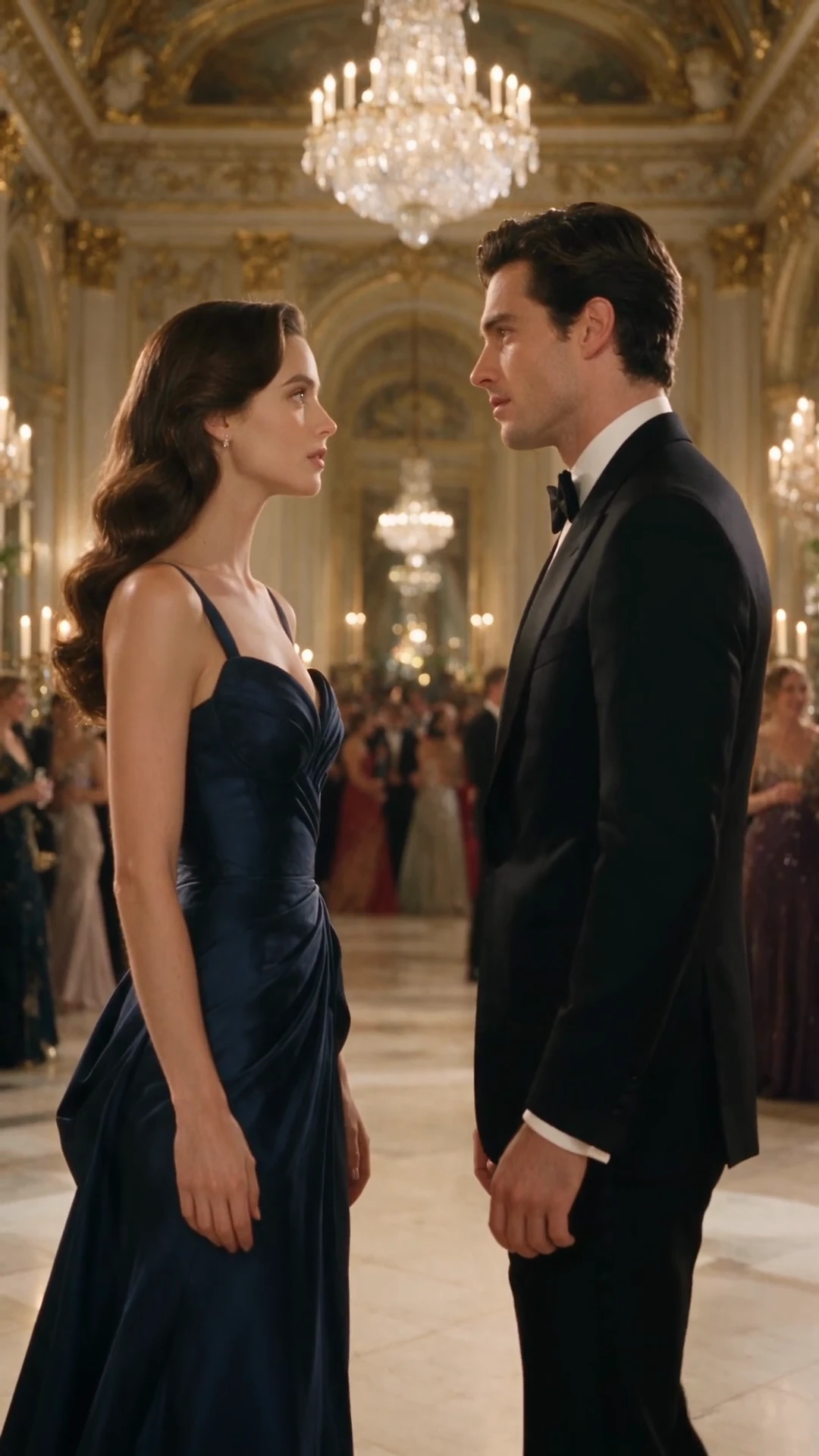
Character Moments
A ballroom reunion told through a face-to-face exchange and subtle reactions.
Turn text or an image into a video with native synchronized audio. Create character scenes, bring artwork into motion, and explore story ideas with Vidu Q3 Pro on OiiOii.
Explore character scenes, product films, and animated stories.
A ballroom reunion told through a face-to-face exchange and subtle reactions.
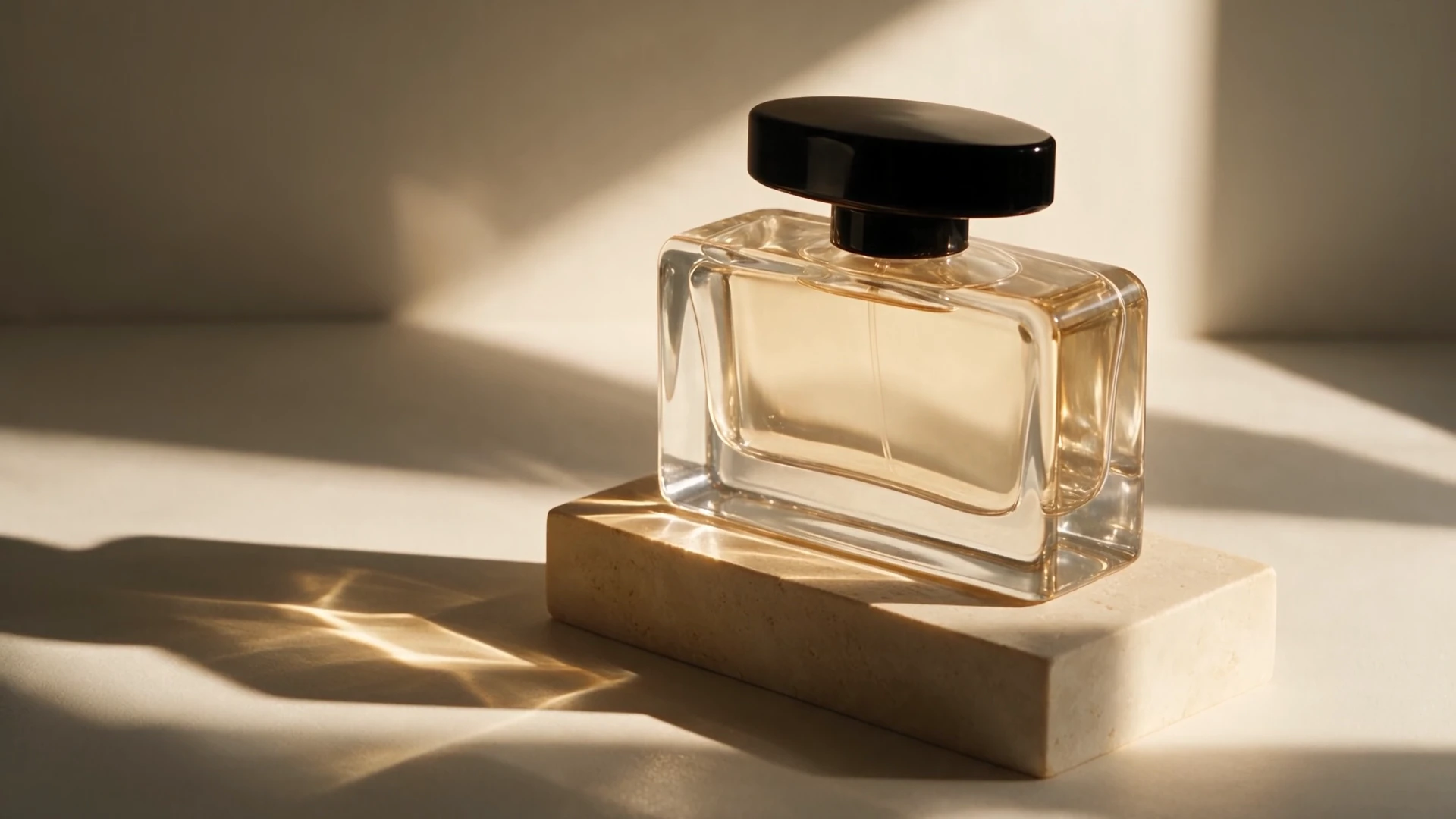
A fragrance film shaped by glass, light, close-ups, and a fine spray.
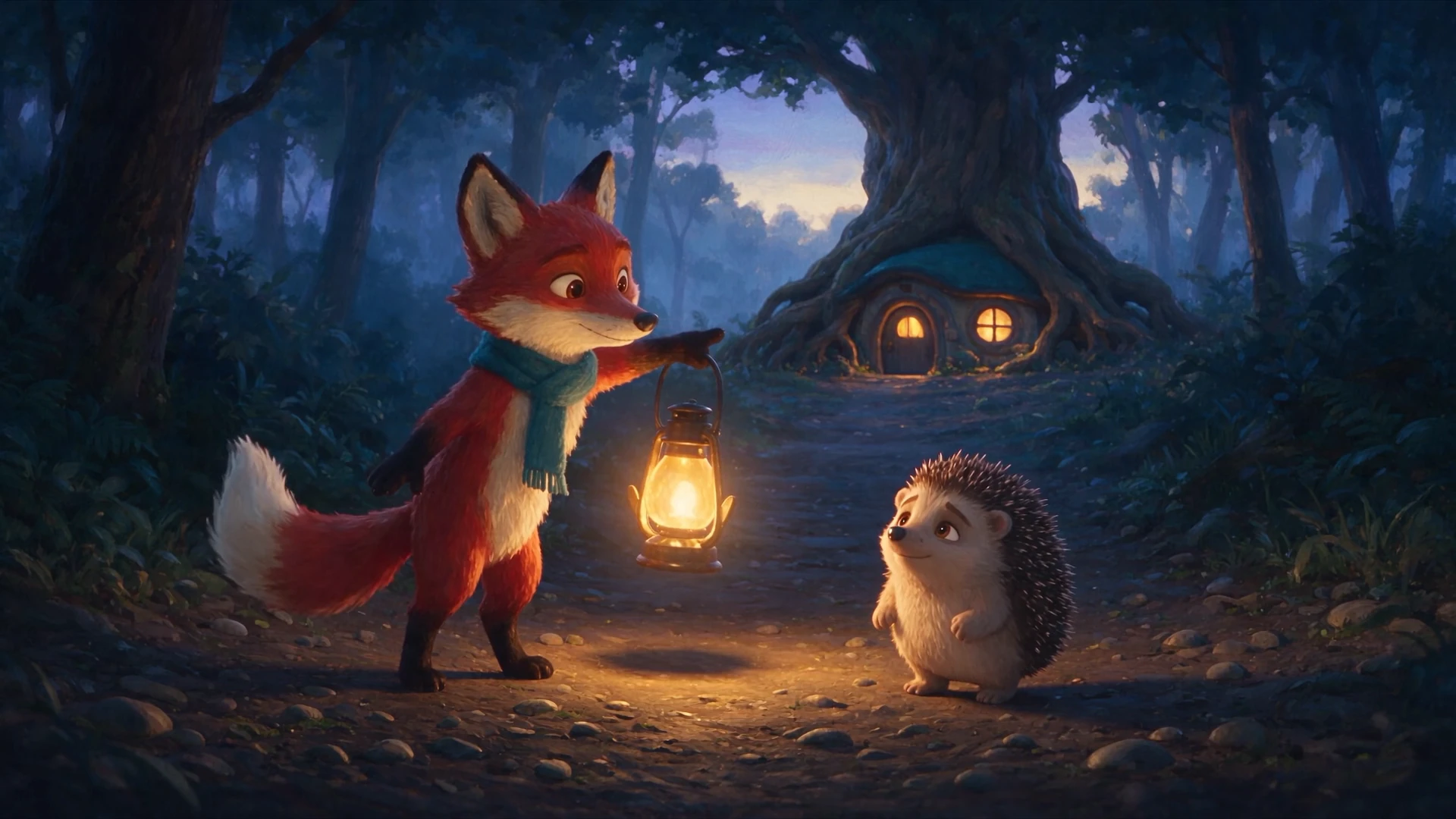
A lost hedgehog finds its way home with a lantern-carrying fox.
Created in OiiOii. For longer videos, create storyboard shots and assemble them into a final video.
Upload an image to set the scene, or start with a text description.
Describe the action, camera movement, and the dialogue or sounds you want in the scene.
Generate the video, then watch and listen to the result. Refine your prompt to explore another version.
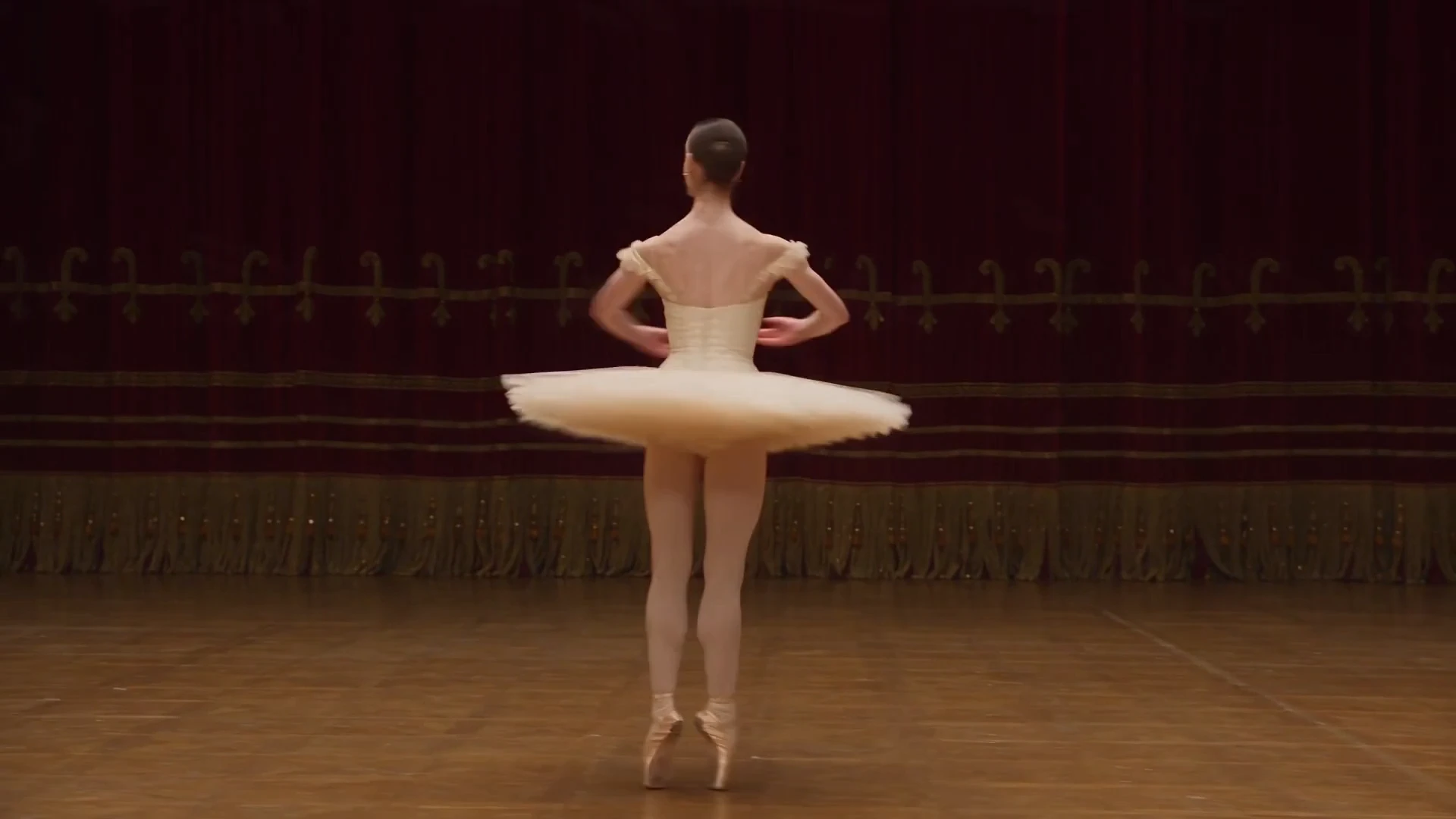
“Prompt excerpt: 18-second photorealistic luxury cinematic CLASSICAL BALLET film in FOUR EDITED SHOTS. One original fictional exceptionally beautiful adult female principal ballerina aged 26, luminous elegant face with refined high cheekbones, expressive large almond brown eyes, balanced delicate features and natural skin texture, dark hair in an immaculate classical low ballet bun; tall long-limbed lean athletic dancer physique, long graceful neck, beautifully aligned shoulders and highly trained upright carriage. Exquisite tailored champagne-ivory classical ballet costume with fully opaque embroidered bodice, delicate antique-gold details and a light structured knee-length tulle skirt, pristine satin pointe shoes and pale dance tights; refined couture quality, elegant and professional, no casual tank or trousers. Stunning historic opera-house stage, burgundy velvet wings and ornate antique-gold proscenium, richly polished warm wood, sophisticated sculpted warm key and soft cool side light, a few softly glowing practical auditorium chandeliers. No empty black-box rehearsal room. A REAL PROFESSIONAL BALLET COMBINATION with correct technique, not random waving, walking, yoga or contemporary flailing. 0-3s: flattering chest-up moving portrait as she raises her gaze with poised confidence and breathes into preparation, elegant port de bras, detailed face and costume visible. 3-8s: CUT to full-body three-quarter tracking shot, entire body and feet always in frame with breathing room; from a clean fifth position she performs a fluid travelling chainé-turn sequence on demi-pointe, straight aligned supporting legs, controlled spot of the head, rounded professional arms, purposeful travel across the stage; camera tracks smoothly beside her. […]”
Describe the character, setting, choreography, camera shots, and sound.
Describe a new scene or animate an existing image. Choose the starting point that fits your idea.
Use your prompt to describe movement, framing, and the atmosphere of the scene.
Vidu Q3 Pro generates video with native audio, including dialogue and sound effects. Describe both in the same scene prompt.
Vidu AI is an AI video generation platform and model family that creates videos from text and images. Vidu Q3 Pro is one of its video models, available on OiiOii with native audio generation.
Vidu is used to create animated scenes, social media videos, product visuals, and short stories. On OiiOii, use Vidu Q3 Pro to turn a text prompt or image into a video with motion, dialogue, and sound effects.
Vidu Q3 Pro is a video generation model from Vidu. Use it on OiiOii to create videos from text or images with native synchronized audio.
The model supports generating video and audio together, including dialogue and sound effects. Describe the sounds you want alongside the action in your prompt.
You can generate dialogue and sound effects with the video. Adding separate music or voiceover later is an optional editing choice for your project.
Yes. Describe the scene, subject, action, and sound in a text prompt to create a video from your idea.
You can choose a video duration from 1 to 16 seconds, with a default resolution of 720p.
You can start with one clip. For a larger project, OiiOii also provides script, storyboard, and Canvas tools to organize and develop your story.
Start with an image or an idea. Bring motion and sound into the same scene on OiiOii.