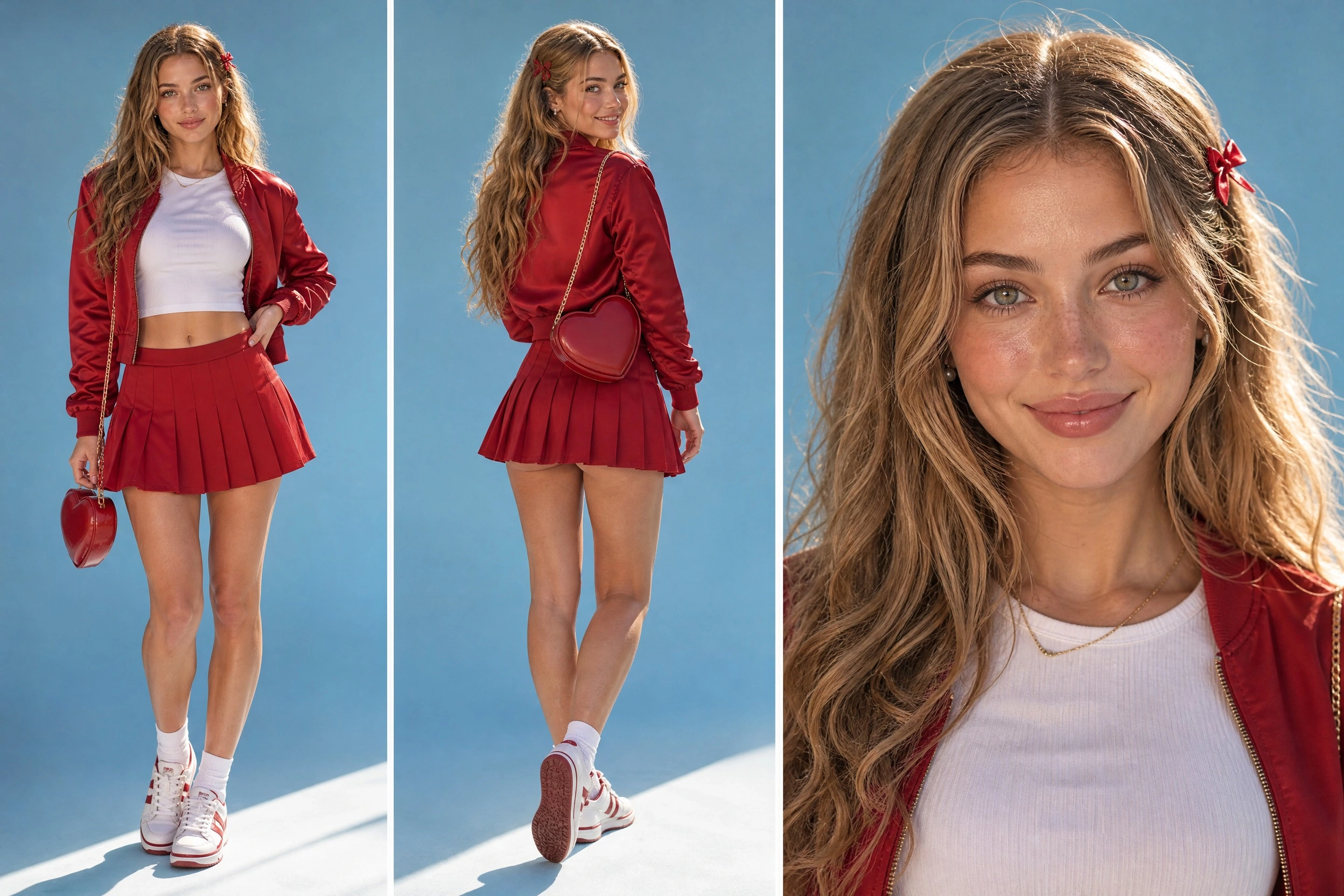
Character Design
Define the character’s appearance, outfit, and visual style. Keep approved references together for later shots.
Generate images, edit reference photos, and create visuals with text. Develop character art and storyboards, then bring your ideas into OiiOii’s video workflows.
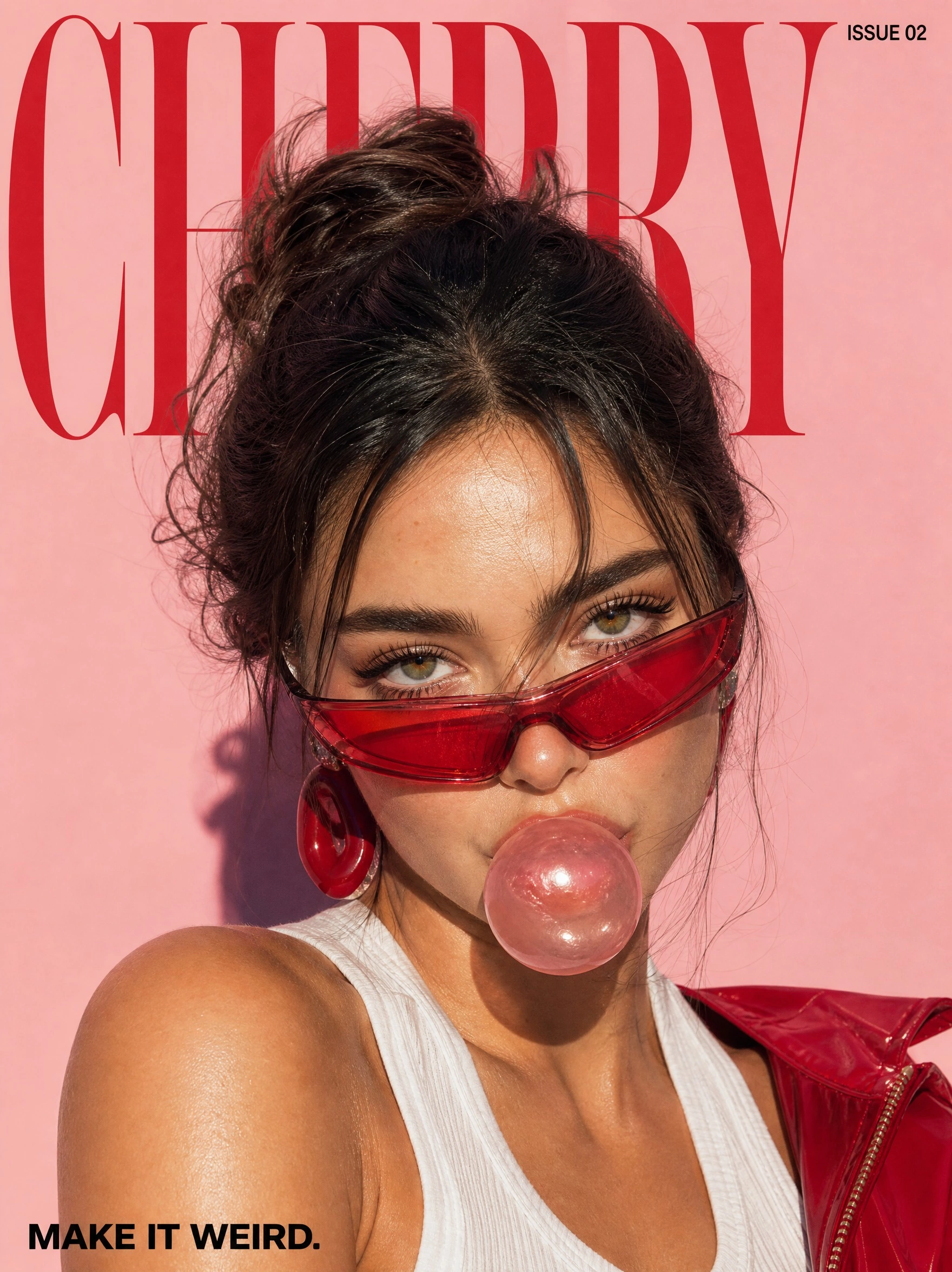
“”
Describe the subject, composition, lighting, and style. Create a product campaign, an editorial portrait, or a poster from your brief. For designs with text, include the exact wording and where it should appear.
Editorial Design, with Words in the Picture
A bold headline, a clear focal point, and a deliberate layout. Give the image a creative brief, then review the lettering and details before you use it.
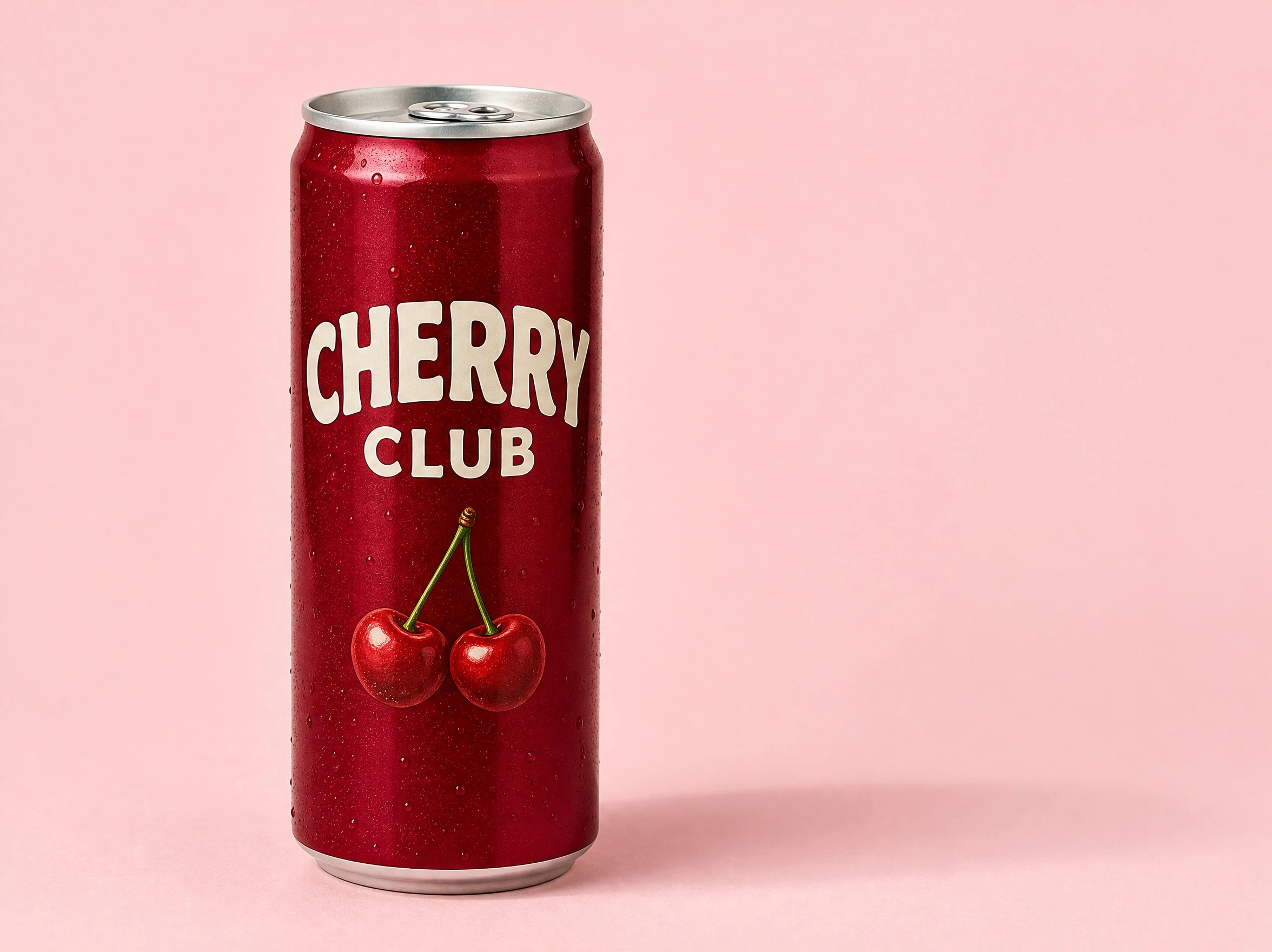
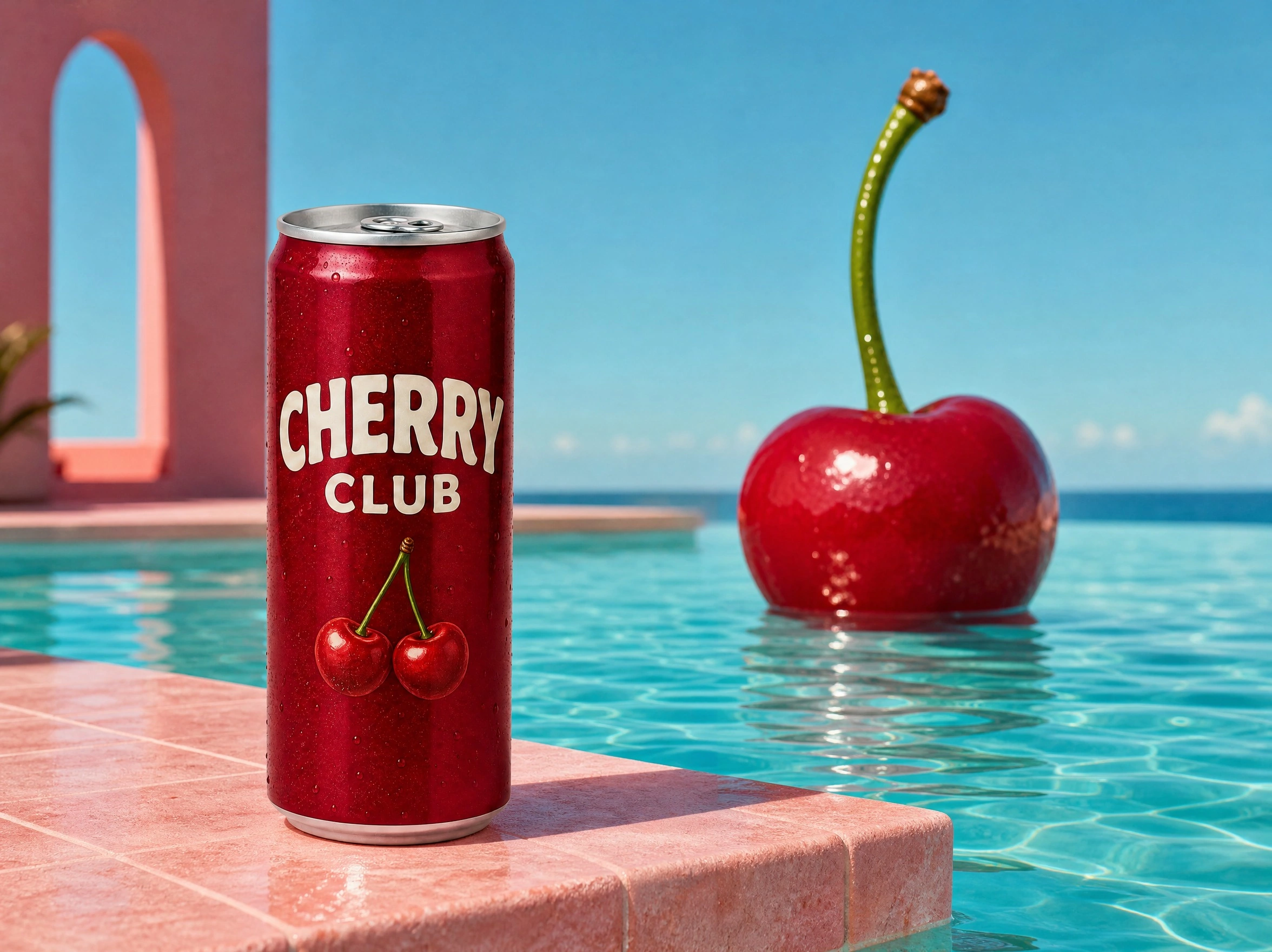
Upload a reference and describe the changes you want. Replace a background, adjust lighting, remove an unwanted object, or explore a different visual style. Say which product details, colors, and proportions should stay the same, then compare the result with your original.
Build the Images Behind Your Story
Start with a story idea or script. OiiOii’s agents develop the creative direction with you. Use GPT Image 2 for character and scene artwork, review each stage, and refine the images before moving into video production.
Define the character’s appearance, outfit, and visual style. Keep approved references together for later shots.
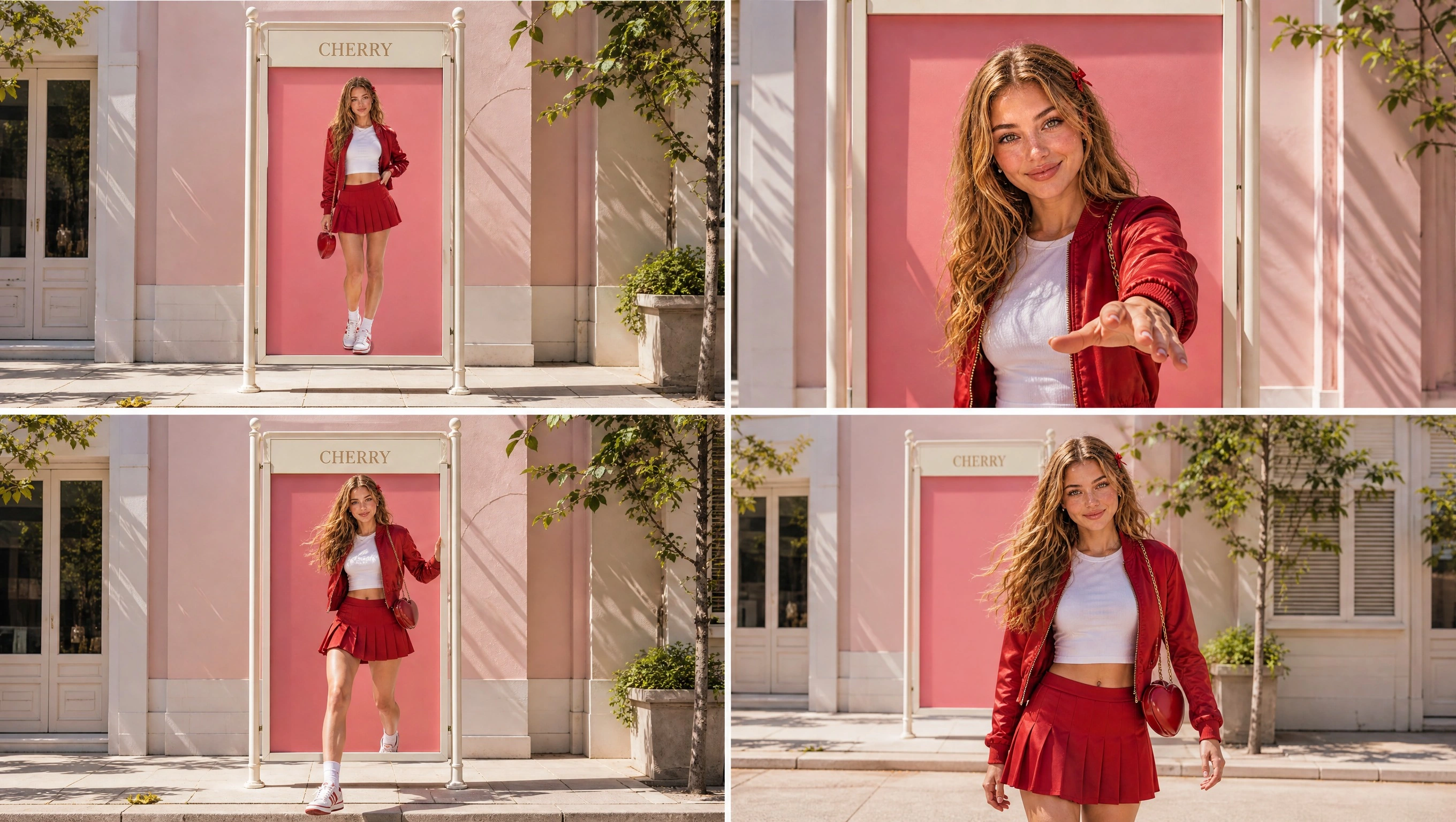
Plan the action through a sequence of images. Review the framing and story progression before generating video shots.
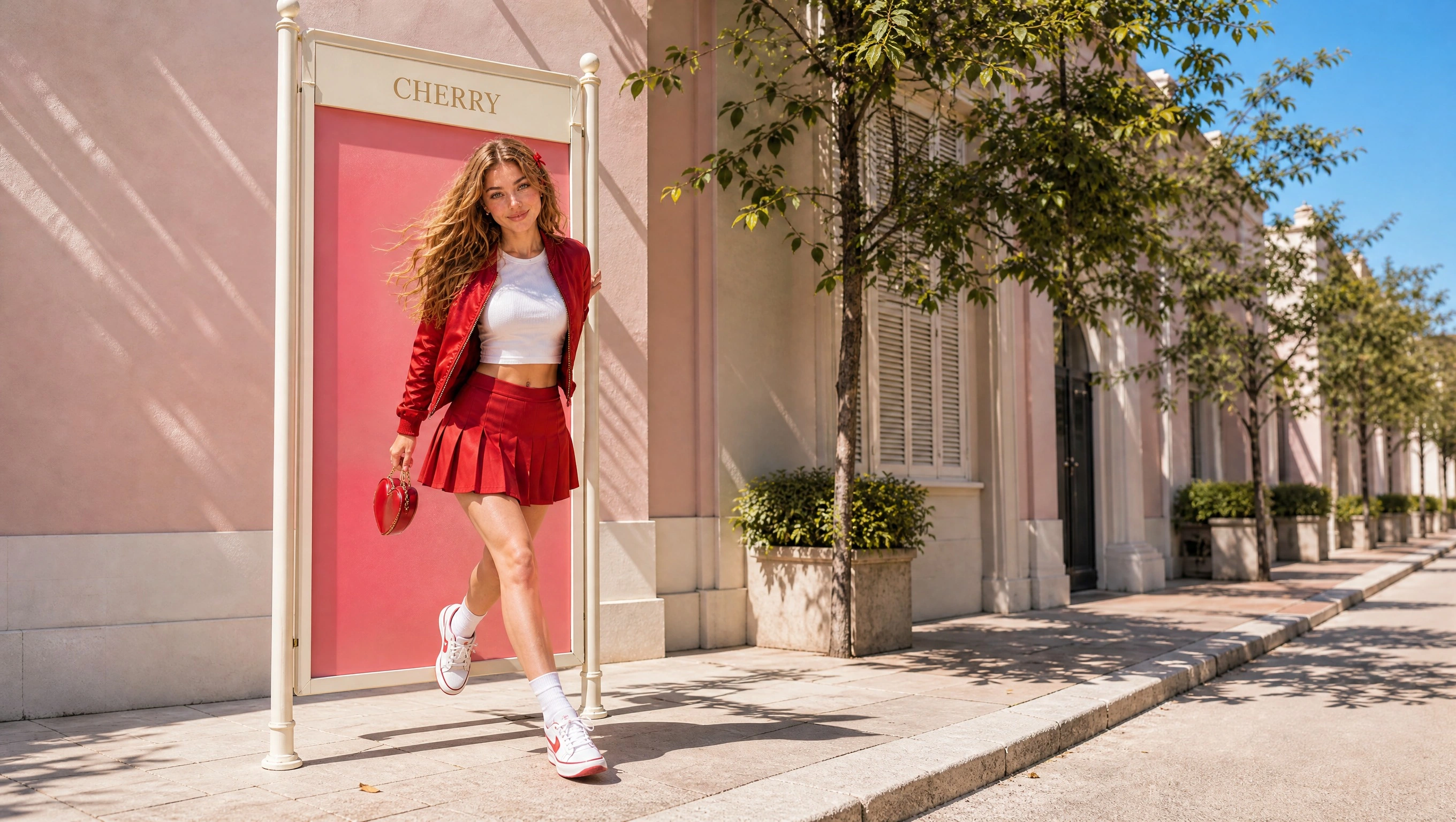
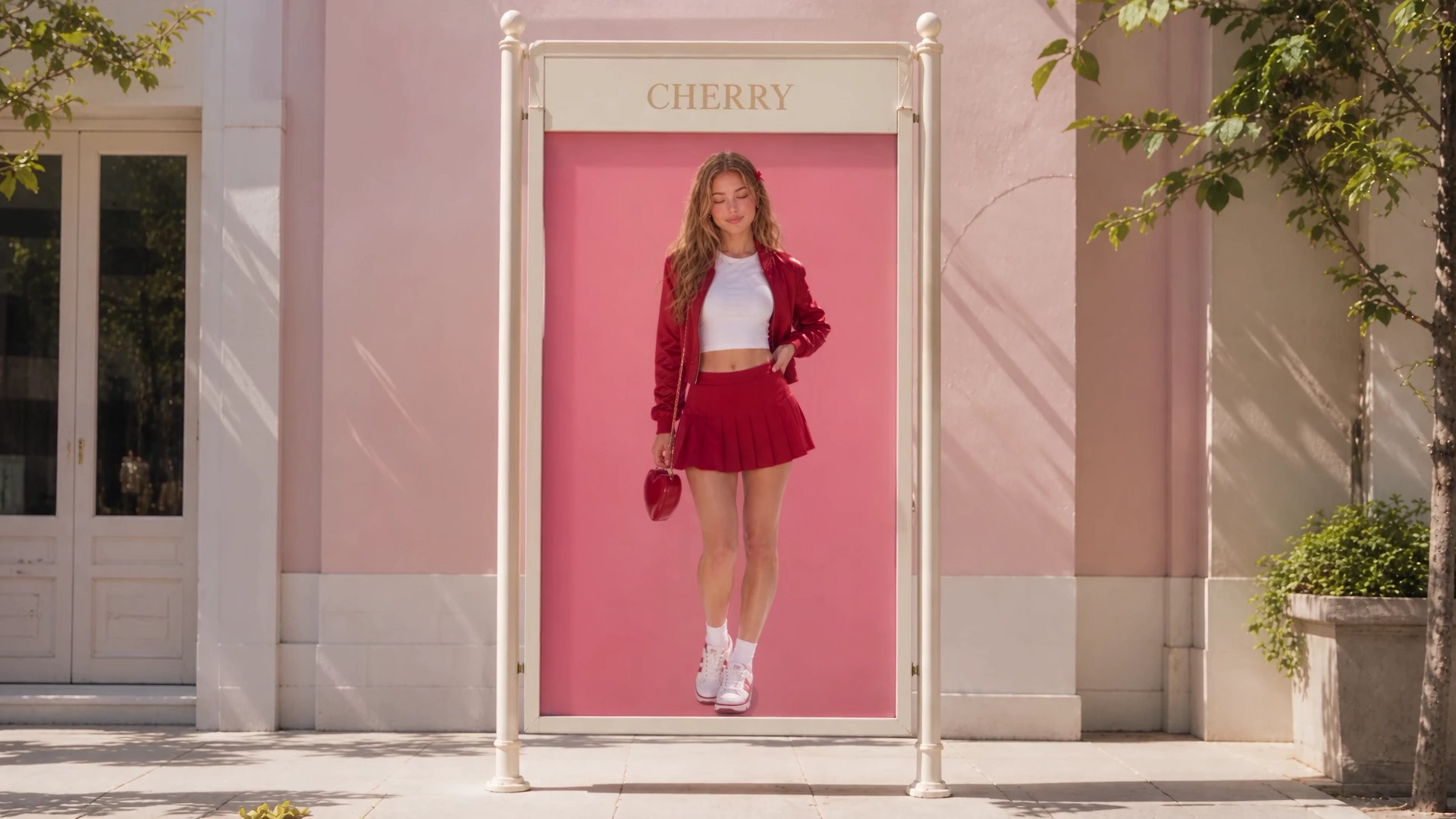
Build your character references and storyboard images with GPT Image 2, then use the approved images as references for Seedance or another video model in OiiOii. Describe the action and camera movement for each shot, review the generated clips, and assemble them in Canvas.
Choose a Frame to Animate
Turn an approved storyboard panel into a shot reference. Check the character, outfit, setting, and composition before moving into video generation.
See the Story Move
Follow the same character from the reference sheet through the storyboard to the finished sequence. GPT Image 2 creates the still images; Seedance or your selected video model generates the video shots. Longer sequences combine multiple shots.
Describe the image you want, or upload an image and explain the edit. Specify what should change and what should stay.
Keep GPT Image 2 selected. Choose the available image settings, review the credit cost, and generate. Use a result as a reference when you want another revision.
Keep the finished images, or use your approved character and storyboard references with Seedance or another video model. Review the clips and assemble the shots in OiiOii Canvas.
It is OpenAI’s image generation and editing model. On OiiOii, you can create images from prompts, edit reference images, and use the results in broader creative projects.
Describe an image or upload a reference and explain your changes. Keep the model selected, choose your settings, review the credit cost, and generate. Refine the result or continue developing the project in OiiOii.
You can use it on this OiiOii model page and continue working with the results in OiiOii’s creative workspace. You do not need your own OpenAI API key to use the OiiOii interface.
Yes. Upload a reference image and request changes to its background, lighting, objects, style, or other visual details. Specify the details you want to preserve and review the result before using it.
Yes. Include the exact text in quotation marks and describe its placement and hierarchy. It can create poster headlines, labels, and other in-image text. Check spelling, numbers, and layout in the final image.
The current GPT Image 2 catalog offers Auto, 1:1, 2:3, 3:2, 9:16, 16:9, 3:4, 4:3, and 21:9. Choose the composition that fits your image or reference.
Yes. On OiiOii, you can select 4K output and generate images with a transparent background. Select the transparent-background option manually before generating; transparency is not enabled by default.
Image generation on OiiOii uses Credits. Review the displayed cost before submitting a task. Availability without a members-only restriction does not mean unlimited free generation.
As a reference, the 2K, Medium, one-image setup displays 7 Credits. The actual charge depends on the selected settings and is shown before generation. OiiOii Credits and OpenAI API pricing are separate.
It generates and edits still images. Create character references and storyboard images with it, then use those images with Seedance or another video model in OiiOii. Assemble the generated shots in Canvas to build your sequence.
Start with a prompt, a reference, or a story idea. Build it in OiiOii.